WolfGPT Explained: How AI Reads Your Chart and Builds Your Trade Plan
If you've ever stared at a price chart feeling completely unsure whether what you're looking at is a real setup or just noise, you're not alone. Technical analysis looks deceptively learnable from a YouTube video — but takes years of screen time to actually internalize. WolfGPT is built around exactly that gap: upload a chart screenshot, and the AI returns a full trade plan in seconds.
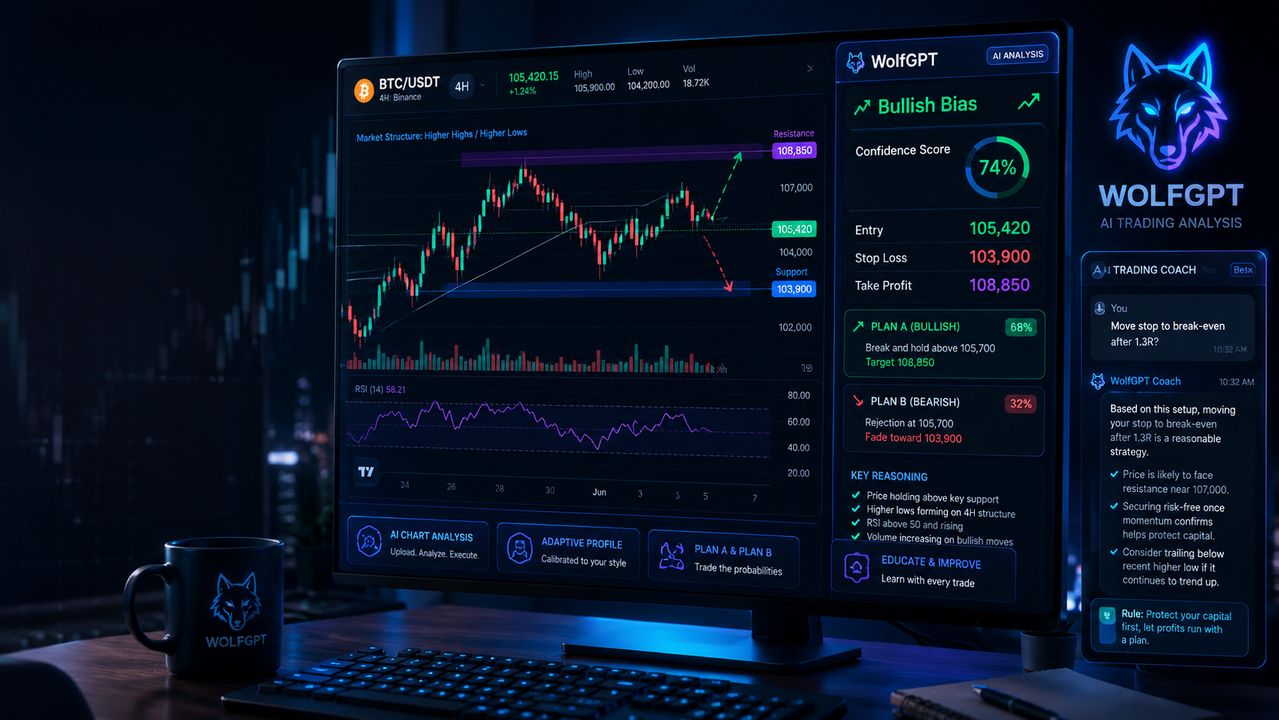
WolfGPT analyzing a BTC/USDT 4H chart — returning directional bias, confidence score, and a complete entry/stop/target plan.
What Does WolfGPT Actually Do?
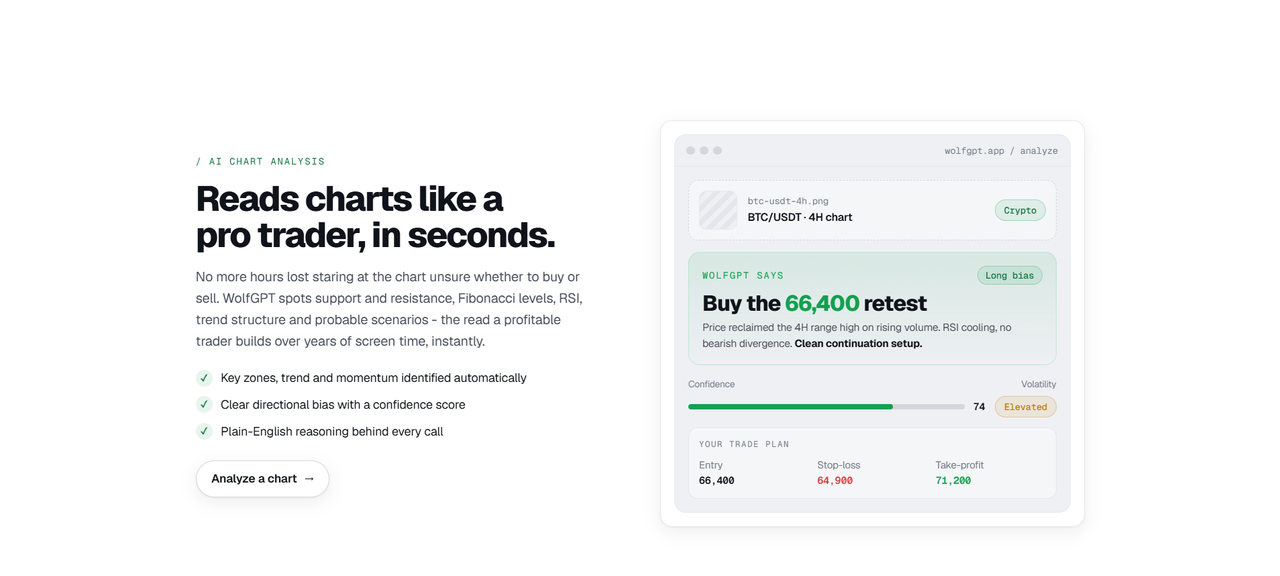
At its core, WolfGPT is an AI chart analysis tool. You give it a chart image, it gives you a trade plan. But the output is more structured than that description suggests — and the structure is exactly what makes it useful rather than just interesting.
Here's what a standard WolfGPT analysis returns:
▶ Directional Bias
A clear long or short lean — not a hedge. The tool takes a position rather than saying "it could go either way."
▶ Key Zones
Support and resistance levels, Fibonacci zones, and trend structure identified automatically from the chart you uploaded.
▶ Confidence Score
A numerical rating attached to the call — tells you how strong the setup looks rather than treating every analysis as equally reliable.
▶ Scenario Planning (Plan A & B)
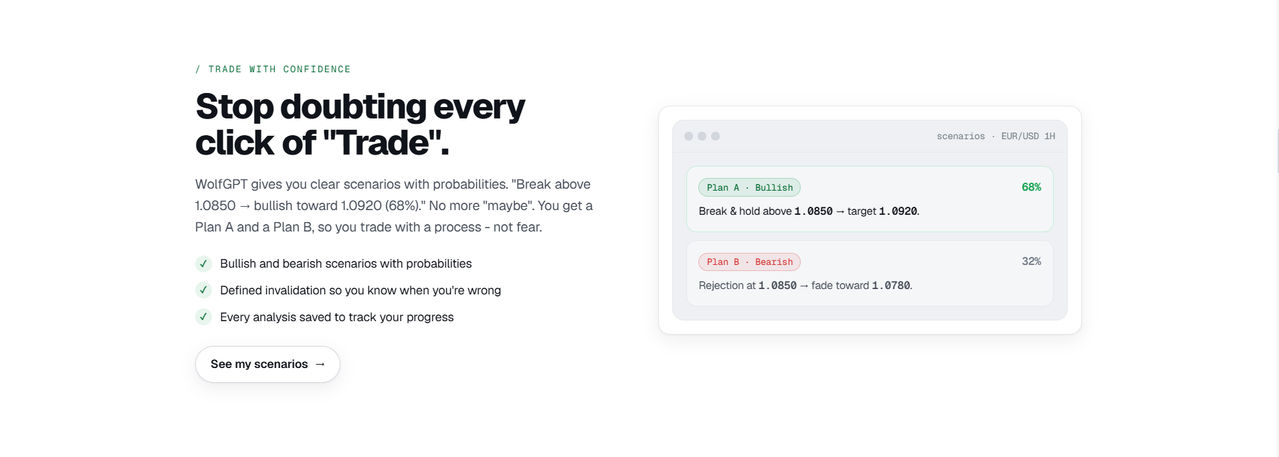
"Break and hold above 1.0850 → bullish toward 1.0920 (68%). Rejection at 1.0850 → fade toward 1.0780 (32%)." Both directions mapped, not just the preferred one.
▶ Full Trade Plan
Specific entry price, stop-loss level, and take-profit target — actual levels tied to chart structure, not generic percentages.
▶ Plain-English Reasoning
An explanation of why the call was made — covering trend, volume, RSI, and momentum signals in language anyone can read.
The combination of a confidence score + scenario plan + clear invalidation level is what separates this from a basic "bullish or bearish" verdict. It gives you something to act on and something specific to be wrong about.
Plan A and Plan B scenarios with probability splits — so you're trading a process, not a guess.
The In-App AI Trading Coach
Beyond the chart analysis itself, WolfGPT includes a built-in AI trading coach you can query after each analysis. This is the part that makes it genuinely educational rather than just a signal generator.
The coach is context-aware — it knows what was in your analysis and answers follow-up questions relative to that specific trade. If the analysis came back bullish and you want to know whether to move your stop to break-even once you're up 1.3R, you ask that directly and get an answer tied to the actual setup, not a generic explanation of what break-even stops are.
This is a meaningful distinction from pasting a chart into a general-purpose AI chatbot. A general chatbot answers your question as a standalone query. The WolfGPT coach answers it in the context of your trade — the difference between a textbook explanation and advice applicable to the position in front of you.
The coach also explains the "why" behind every recommendation, which means someone new to technical analysis isn't just getting told what to do — they're getting a running explanation of how to think about it. That compounds over time in a way that a signal-only tool doesn't.
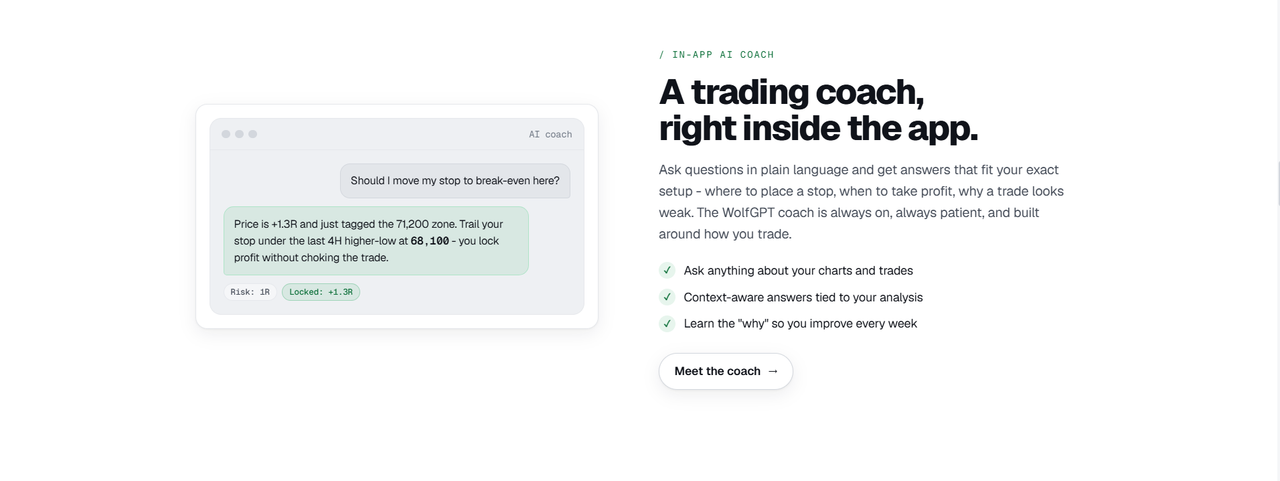
The in-app coach answers questions tied to your actual trade setup — not generic responses.
Adaptive Trading Profile
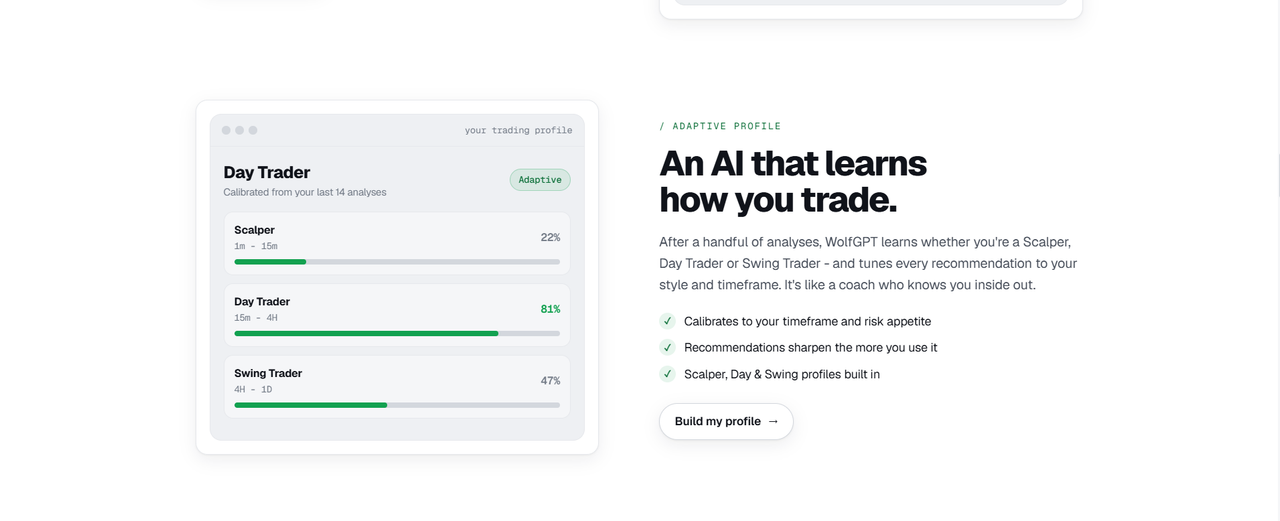
One of the more distinctive features is WolfGPT's adaptive profile system. After a handful of analyses, the tool identifies your trading style from the charts you've submitted — whether you're a scalper (1m–15m), day trader (15m–4H), or swing trader (4H–1D).
Once calibrated, every recommendation is tuned to your style and risk appetite instead of applying a one-size-fits-all read. A scalper and a swing trader looking at the same chart need genuinely different answers — a 4H setup perfect for swing is irrelevant to someone trading 5-minute charts.
The profile builds itself from actual usage rather than asking you to self-select upfront. Traders often misidentify their own style, especially newer ones — letting the tool infer from real submissions tends to be more accurate than a dropdown selection.
The adaptive profile is built from your actual chart submissions — calibrated to how you really trade, not how you describe yourself.
What Markets Does It Cover?
WolfGPT works across four major market categories and isn't tied to any specific platform. Because you're uploading a screenshot, it works with TradingView, MetaTrader, Thinkorswim, Webull, or any charting software.
Who Is WolfGPT Actually Useful For?
🟩 New & Intermediate Traders
Can name the indicators but can't synthesize them in real time. WolfGPT handles the synthesis step and shows its work.
🟩 Active Traders Wanting a Second Opinion
Already confident in reads but want a fast sanity check before entering — especially useful in fast-moving markets.
🟩 Complete Beginners
The Plan A / Plan B format teaches probabilistic thinking from day one — a healthier mental model than expecting certainty.
🟨 Experienced Professionals
Least likely to get significant value. If chart reading is already intuitive, the synthesis step happens in your head faster. The coach may still add something on edge-case decisions.
What WolfGPT Is Not
WolfGPT vs. Using a General AI Chatbot
A common question: can you just paste a chart into ChatGPT or Gemini and get a similar read? The short answer is no — and the difference is in the structure.
WolfGPT is purpose-built around a single output format calibrated for trading decisions. The structure isn't arbitrary — it's designed around the specific information a trader needs at the moment of deciding whether to enter, where to put a stop, and when to take profit.
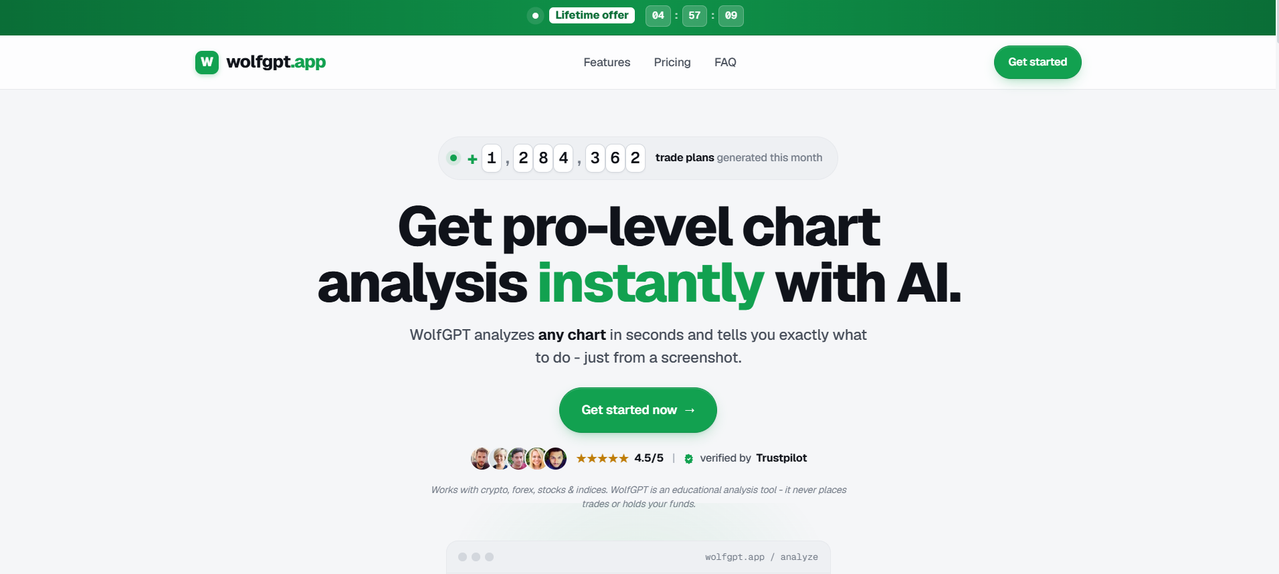
WolfGPT has generated over 1.2 million trade plans and is rated 4.5/5 on Trustpilot. Works with crypto, forex, stocks, and indices.
Final Take
WolfGPT does one thing and is judged entirely on how well it does it: turning a chart screenshot into a structured, reasoned trade plan that a newer trader can act on and an experienced trader can cross-check against their own read.
The confidence scores, scenario planning, adaptive profile, and in-app coach are all built around the same insight — that the actual bottleneck for most traders isn't missing indicators, it's synthesizing competing signals into a confident decision under pressure.
It won't make you a professional trader, and it's transparent about not trying to. But as a learning accelerator and a second opinion at the exact moment a trader usually second-guesses themselves, WolfGPT is addressing a real, specific problem rather than adding more data to an already cluttered chart.
Try WolfGPT Free
Upload any chart screenshot and get a full AI trade plan with confidence score, entry, stop-loss, and take-profit in seconds.
Analyze a Chart →