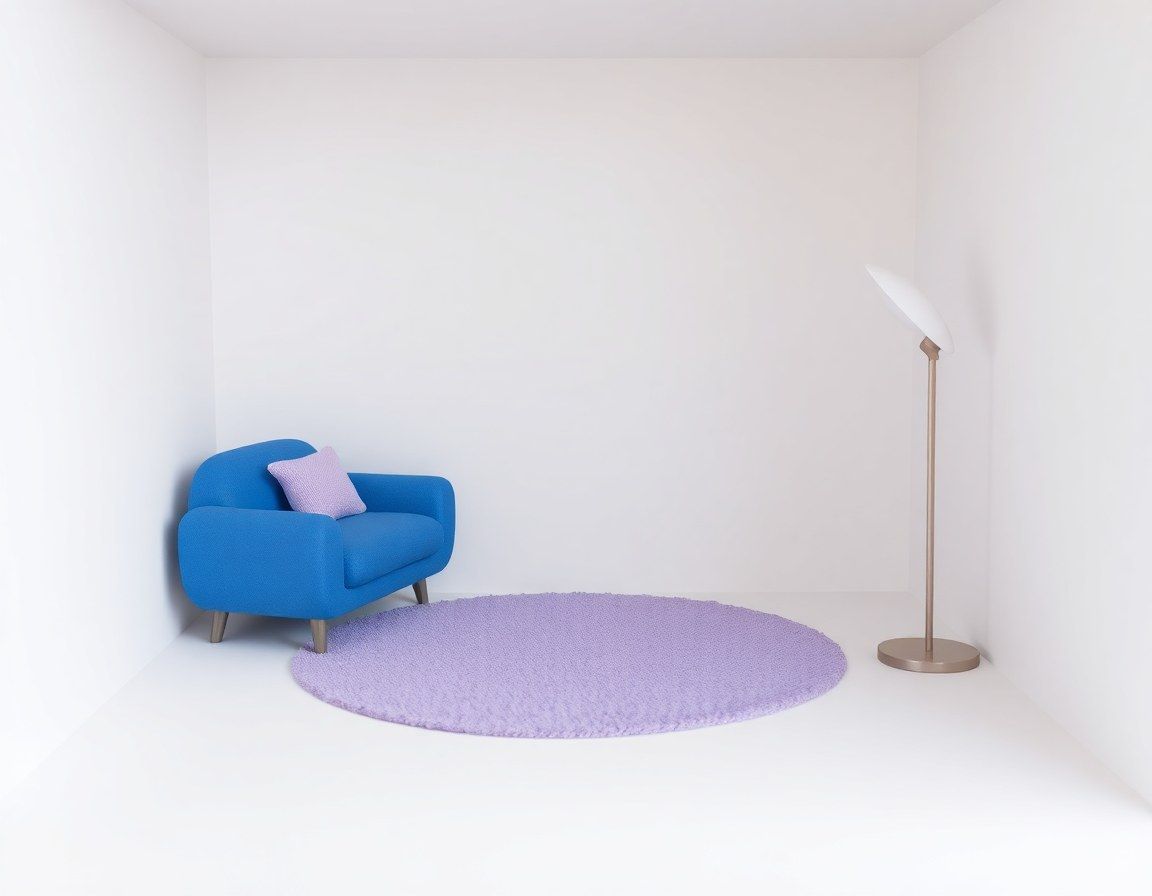
AI interior design on AI4Chat works from a photo of your actual room: upload it to the photo editor, describe the style you want and, just as important, what must stay where it is. For a full restyle that keeps your windows, doors and floor plan, use Nano Banana; Google built it to “restyle a room with a color scheme or texture” and to merge several photos, so you can drop in the sofa you are eyeing. For quick, cheap mood sketches there is also a model called InteriorDesign in the same menu: an older Stable Diffusion model whose full name, XSArchitectural InteriorDesign, says what it was tuned for.
Which AI interior design model to pick
| Nano Banana | Seedream 4.5 | InteriorDesign | |
|---|---|---|---|
| Best for | A full restyle that respects your room | Detailed, high-resolution finishes | Fast mood sketches of a style |
| How it treats your photo | Targeted edits, the rest left alone | Built to preserve reference detail | Repaints it about halfway |
| Add a second photo (a sofa, a rug) | ✓ | ✕ | ✕ |
| Output shape | 10 aspect ratios | Several ratios, at 2K | Square only |
| Credits per image | 300 | 400 | 10 |
Source: AI4Chat editor settings; Google Gemini 2.5 Flash Image announcement and ByteDance Seedream 4.5 page, checked November 7, 2026
The InteriorDesign model runs as classic image-to-image: it takes your photo as a starting point and repaints it with the style you describe. That makes it loose. A radiator can turn into a cabinet, and the result is always square. Use it to try six styles cheaply, then rebuild the one you like on Nano Banana with a proper “keep” sentence. If you want detail fine enough to judge a wood grain or a fabric, rerun the winner on Seedream 4.5, which outputs at 2K in our editor. The model has its own page too: InteriorDesign on AI4Chat.
Photograph the room so the AI keeps it
When Apartment Therapy tested 13 free AI interior design tools, the writer noted that only one of them picked up the window at the far left of her kitchen photo. Losing fixed features like that is a typical way these renders go wrong, and you can head most of it off with the photo and one sentence of prompt.
Before you upload
- Stand in a corner or a doorway at chest height so two walls and the floor are visible.
- Shoot in daylight with the room lights on. Dark corners get filled with guesses.
- Keep the ceiling line and the floor in the frame; they tell the model how big the room is.
- Clear the clutter you do not want redesigned, like laundry, cables and bags.
- Hold the phone upright so walls stay vertical instead of leaning in.
- For the InteriorDesign model, crop the photo square first so nothing important is lost.
Prompts for popular interior styles
Start with the keep sentence, then add one style line. Style names work because the models have seen thousands of rooms labeled with them, but a few concrete materials (oak, linen, brass) steer the result better than the label alone.
Redesign this living room. Keep the walls, windows, door, ceiling and floor layout exactly where they are. Change only the furniture, decor, paint and lighting to [style line].

Japandi: low oak furniture, linen sofa, paper lamp, warm white walls, very little decor.

Mid-century modern: walnut sideboard, tapered legs, mustard armchair, globe pendant light.

Scandinavian: light birch, white walls, gray wool sofa, sheepskin throw, plants.

Industrial: dark steel shelving, leather sofa, exposed bulbs, concrete-look floor.

Coastal: whitewashed wood, sand and pale blue textiles, rattan chairs, airy curtains.

Traditional: rolled-arm sofa, patterned rug, brass lamps, framed prints, wood paneling.
Swap “living room” for bedroom, kitchen or home office, and paste one style line into the brackets.
See a real product in your room
Before you order the green velvet sofa, put it in the room. Upload two photos, your room first and the product photo second, and pick Nano Banana from the shortened model menu. Give it a size reference from something already in the room, because scale is the first thing to go wrong when two photos are combined. If the sofa never shows up, run it again; the editor sometimes hands a request it reads as simple to a lighter model that only uses the first photo.
Place the sofa from the second image against the back wall of the room in the first image, under the window. It should be about as long as the window is wide. Keep the room, the floor and the light from the first image exactly the same. Add a soft shadow under the sofa.
Virtual staging for listings needs a label
Realtors use the same prompts to stage empty rooms. In California, AB 723 took effect on January 1, 2026: an agent who uses a digitally altered image in an ad for a property must put a reasonably conspicuous disclosure on or next to it, and give buyers access to the unaltered original. MLSListings has a plain-language overview for agents. Other states and many MLS boards have their own rules, so check yours before you upload.
Staging that stays honest
- Label every staged photo, for example “Virtually staged”, and keep the original photo in the listing.
- Add furniture and decor only. Never remove cracks, stains, water damage or a view of the power plant.
- Keep the room's size honest: no furniture scaled down to make the space look bigger.
- Use the same staged style across the listing so it reads as one home.
What a render cannot tell you
An AI room design is a picture, not a plan. It does not measure anything, so it cannot tell you whether a 220 cm sofa clears the radiator, whether the door still opens past the rug, or how the room looks at 9 pm. Treat the render as the brief and a tape measure as the check. For other edits on the same photo, like removing a bin or a cable, see removing objects from a photo, and for model choice in general, the AI photo editor guide.
Questions people ask
Can I redesign a room for free on AI4Chat?
Not on a free account alone. Even the cheapest model here, InteriorDesign at 10 credits per image, costs more than the free account's 1 starting image credit, so edits run on AI4Chat Unlimited, which starts with a 7-day free trial; the price for your country is shown before you pay.
Can AI redesign my room from a photo?
Yes. Upload the photo, say which fixed features to keep and describe the new style. Google built Nano Banana for targeted edits that leave the rest of a photo alone, so start there for anything you plan to act on.
Will the AI keep my windows and doors?
Only if it can see them and you ask. Shoot from a corner so they are in the frame, and start the prompt with “keep the walls, windows, door and floor layout exactly where they are”.
Can I use AI interior design for real estate listings?
Yes, as long as you disclose it. California's AB 723 requires a disclosure next to digitally altered listing images and access to the original, and MLS boards often set their own rules too.
Does it work for kitchens, bedrooms and exteriors?
The same editor handles any room, and the front of a house too. The rules do not change: photograph it straight, say what must stay, then describe the new look.