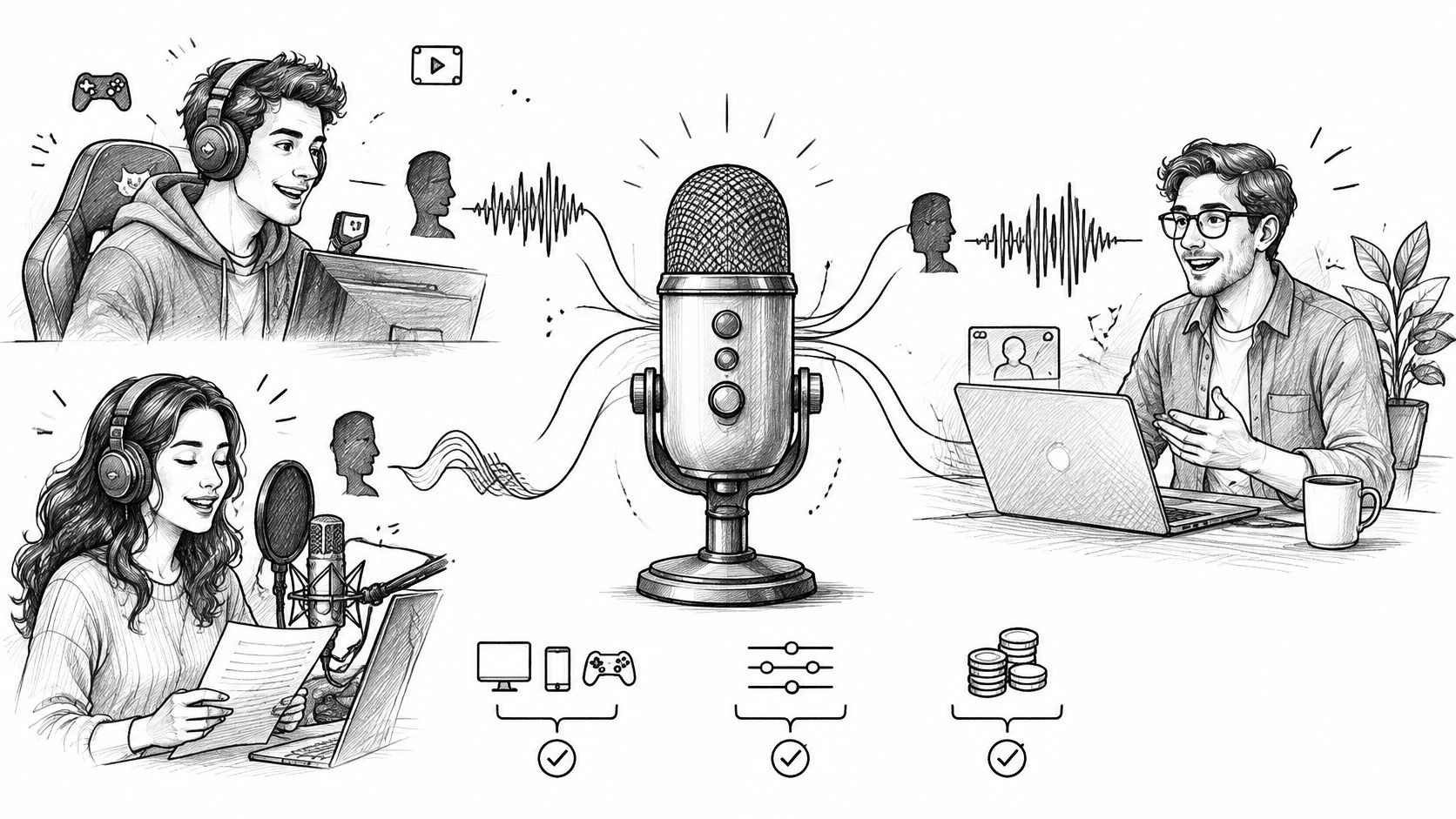
You've got a Discord call in twenty minutes and the voice you want isn't the one you were born with. Or a client sends a 90-second script and wants a warm, mid-Atlantic narrator back by Friday. Those are different problems with different answers, and a single ranked list will solve one of them badly.
A streamer needs a voice that survives live in Discord without half a second of delay trailing every joke. A voiceover producer needs a file that still sounds natural after compression, de-essing and a music bed. This guide splits the best AI voice changers by the job the voice has to do, and states each tool's real limitation next to its strengths so you can cut the field in one pass.
The category is growing fast. A market estimate reported by GlobeNewswire valued the global AI voice-generator market at about $3.20 billion in 2023 and projected $40.25 billion by 2032, a 32.51% compound annual growth rate from 2024 through 2032, with voice cloning and conversion forecast as the fastest-growing segment. Growth doesn't make the tools interchangeable. Match the tool to the workflow.
Table of Contents
- 1. Vocuno
- 2. Voicemod
- 3. ElevenLabs Voice Changer
- 4. Altered Studio
- 5. Voice.ai
- 6. HitPaw VoicePea
- 7. Kits.AI
- 8. LALAL.AI Voice Changer
- 9. Murf AI Voice Changer
- 10. FineVoice
- 11. w-okada Voice Changer
- How the 10 AI voice changers compare by use case, access, and main limitation
- Match the Tool to the Voice You Actually Need
1. Vocuno
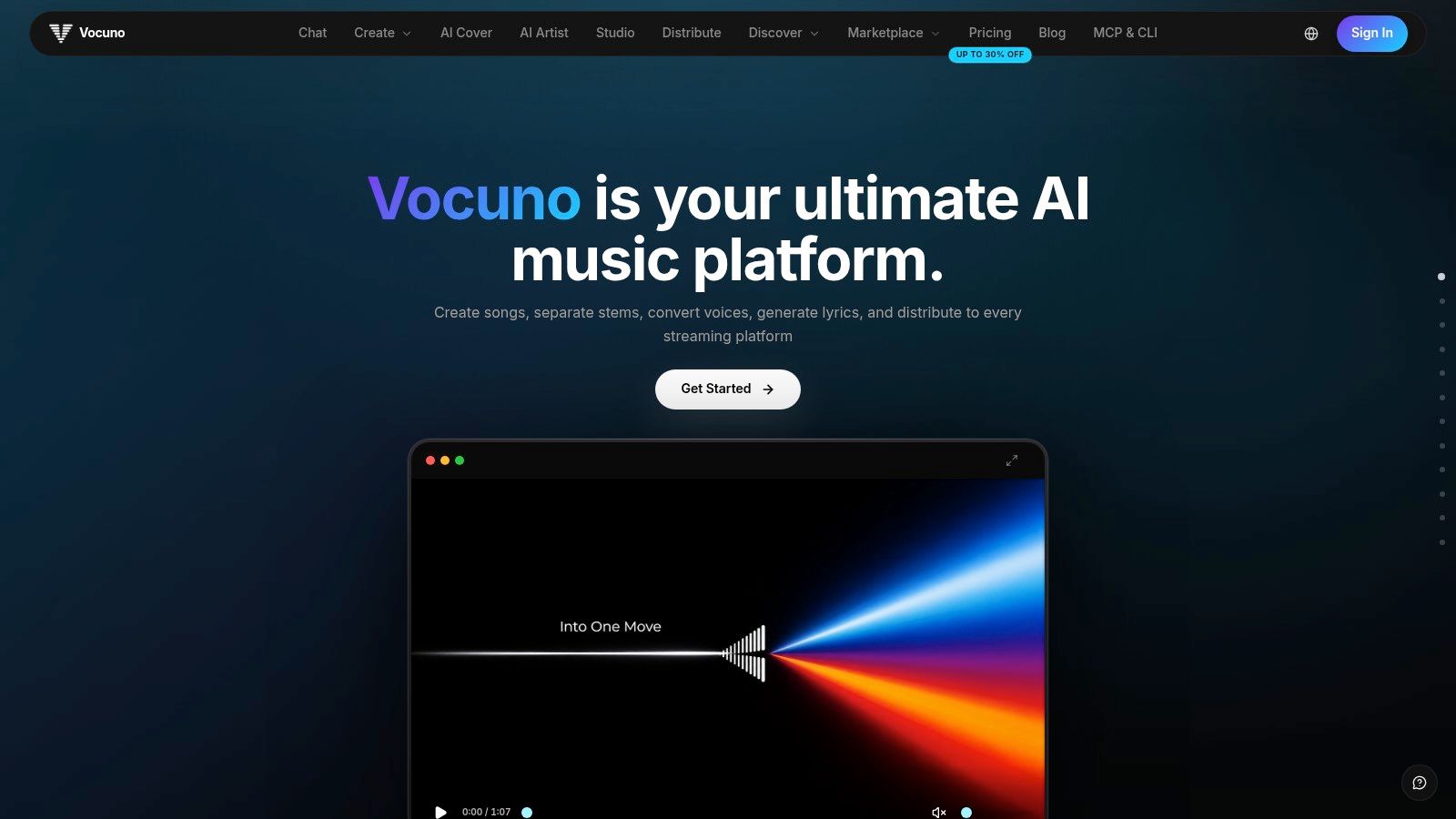
Vocuno is the pick when the voice change is one step in a chain that ends with a finished, distributed track. It's an AI music creation and distribution workspace that keeps song generation, vocal creation, voice conversion and cloning, stem separation, BPM detection, audio-to-MIDI conversion and file processing behind one login, guided by a structured, DAW-like pipeline that moves from sketch to master.
Why the chain matters more than the single effect
A real project here is four jobs stacked: get a reference vocal, convert or clone the timbre, split the stems for mixing, then get the result onto a platform. Doing that across four subscriptions means exporting and re-importing the same WAV until the timing and metadata drift. Vocuno keeps the file in one workspace and lets you combine engines in a single prompt, with deep integrations for Suno, ElevenLabs, Audimee, LALAL.ai, MusicGPT, MiniMax, Lyria 3 and YouTube.
That matters most when you audition. A converted vocal that sounds convincing solo can disappear once the backing track comes up in the mix.
Practical test: convert the same eight-bar phrase through two engines, drop both into the full arrangement, and keep the one that still reads through the drums. Solo auditions lie.
Voice conversion with a release path
The AI voice changer sits inside the same pipeline as distribution, so a converted take can go straight to Spotify, Apple Music, YouTube Music, Deezer, Tidal, SoundCloud or Pandora from the workspace, with no separate distributor and no folder of masters waiting for a release date. Vocuno is built by musicians and leans on human creative control with AI as assistant, which shows in the workflow: you're always working on a specific section of a specific file.
Where it stops being the right tool
Vocuno is not a live microphone filter. If you need a voice inside a Discord call in real time, this is the wrong layer of the stack, and the next entry is the right one. The platform also assumes you know what to do with stems, MIDI and a master, so people who only want to prank a friend in a game chat will find it heavy. Producers, songwriters and small labels get the most from the single-workspace model.
2. Voicemod
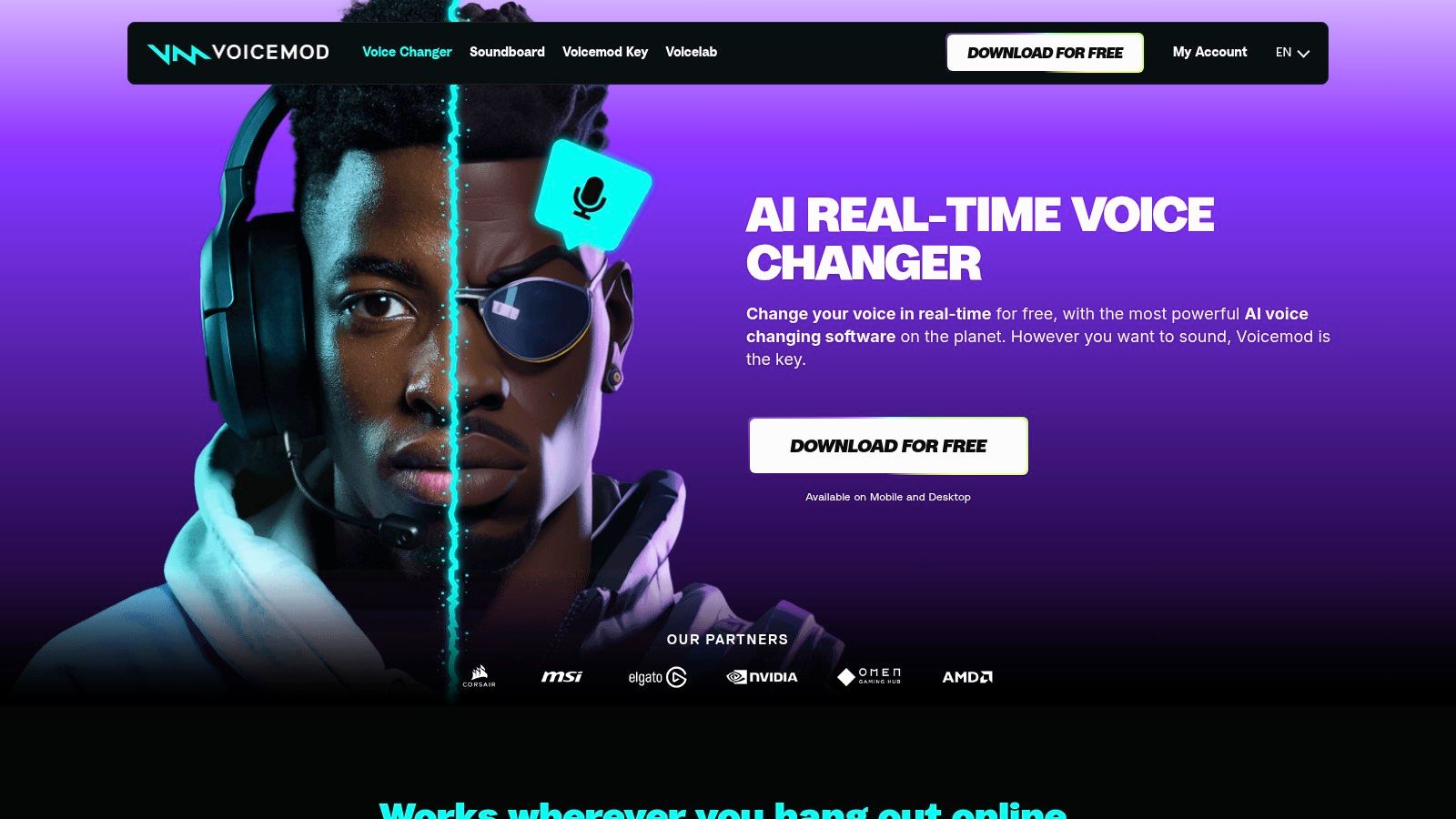
Voicemod is the default answer for live voice chat, and it earns that on plumbing rather than realism. It installs a virtual microphone, so Discord, OBS and most calling apps see a Voicemod input and you pick effects from a panel while you talk. The soundboard is the other half of the product, and on a stream it usually gets more laughs than the pitch shift.
Latency decides whether it feels live
Academic real-time systems give useful reference points. The LLVC latency evaluation reports about 19.7 ms end-to-end latency at 16 kHz while running 2.8x faster than real time on a consumer CPU, against roughly 97.6 ms for QuickVC and 189.8 ms for a no-F0 RVC configuration in the same test. Treat sub-100 ms microphone-to-output as your acceptance target, then measure it on your own interface, buffer size and CPU rather than trusting a spec sheet.
Where it stops
Filters give you a character, not a believable replacement for your own voice in a paid recording. Some community effects and features need extra setup or a paid plan, and desktop live use is a different workflow from file-based production. Free access makes it easy to test the routing before you pay for anything.
3. ElevenLabs Voice Changer
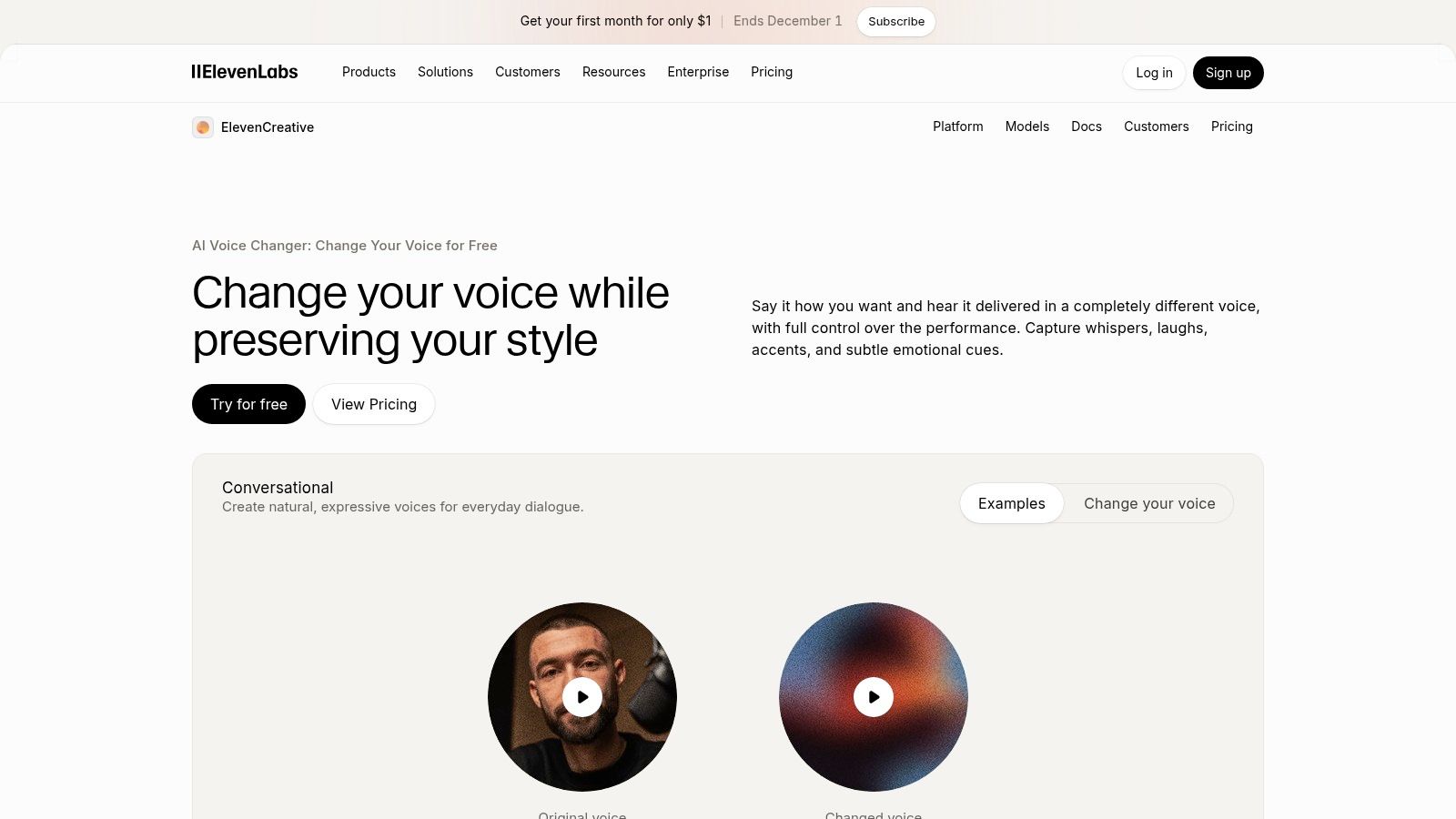
ElevenLabs built its reputation on narration, and its voice changer inherits that. It's a speech-to-speech converter: you upload a performance, choose a target voice, and it re-renders your delivery in that timbre while keeping the timing, pauses, and emphasis you performed. That's the difference between directing a read and generating one.
Best for recorded work that has to sound performed
For character dialogue, localized versions of a finished spot, or a scratch track you want to re-voice without recasting, this is the strongest workflow of the group. The library covers many languages, and the converter sits beside the dubbing and speech tools, so a project can move between generated and converted lines without leaving the platform. Web access plus an API means a developer can automate the whole pass.
The limits
- Retakes cost credits. Every conversion pass bills again, so a picky director can burn a month's allowance on one paragraph. Convert a ten-second sample first.
- Not a live tool. App routing and latency are wrong for Discord or game chat.
- Rights are per voice. Commercial terms vary by voice and plan, so confirm before a client campaign ships.
You can compare the model against other speech engines through ElevenLabs Turbo v2.5 on AI4Chat before you commit to a subscription.
4. Altered Studio
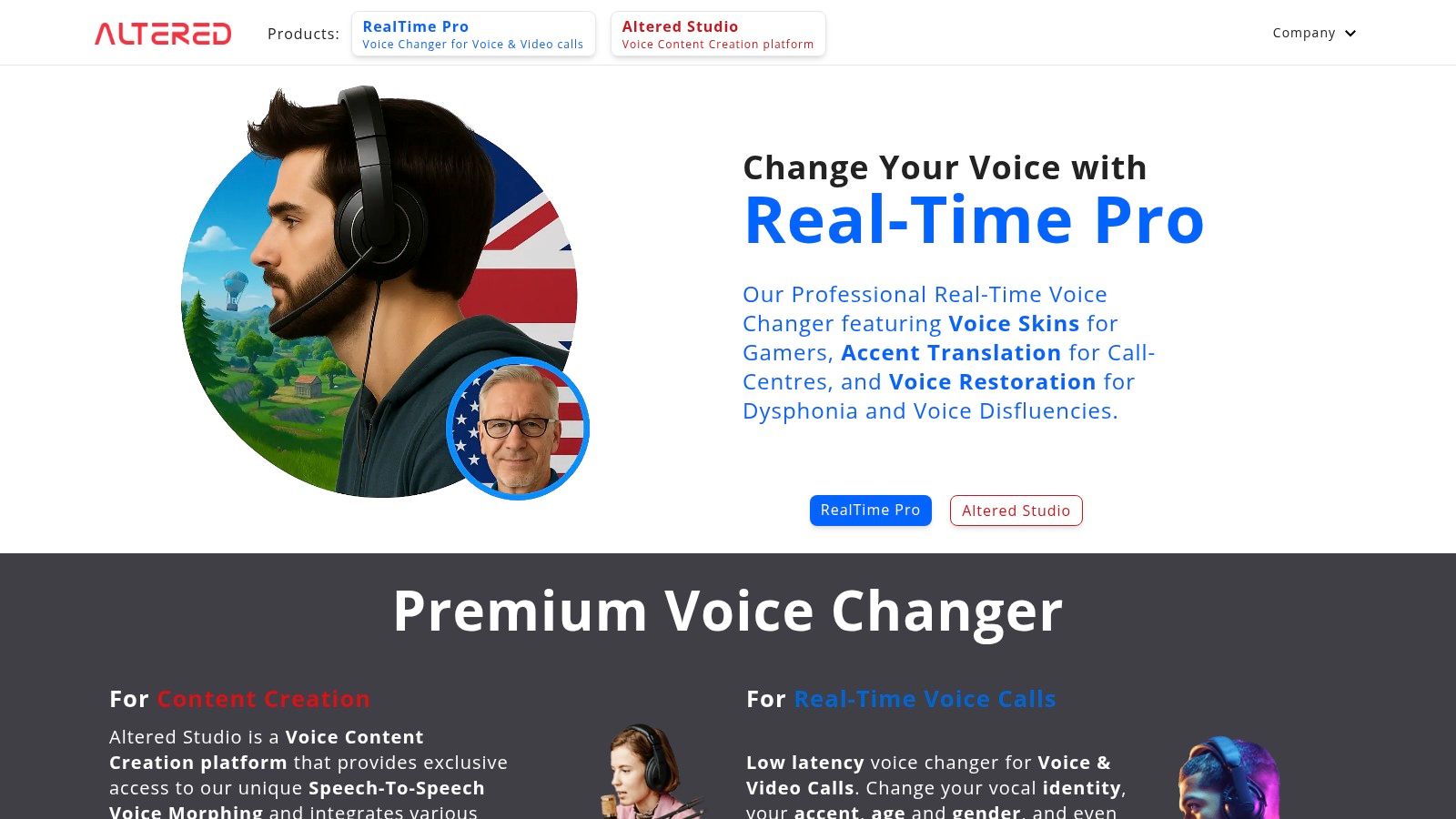
Altered Studio treats voice as an editing problem rather than a filter. It's a production platform: morph a recorded take, change vocal qualities and performance style, clone a voice, transcribe, translate and dub. If your job includes a script, a call sheet and a delivery date, the toolset reads like a checklist of things you'll do that week.
Where it earns its place
Voice morphing on an existing recording is the core strength. You keep the performance you directed and shift its vocal character, which is exactly what animation and dubbing work needs. Transcription and translation in the same product means a localization pass doesn't start with a fresh file from another vendor. Desktop and online workflows, plus enterprise options, suit teams with a review chain.
The trade-offs
- Hardware: some desktop workflows want a capable NVIDIA GPU, so plan around the online path on an older laptop.
- Learning curve: more tools means more setup decisions before you hear a single syllable.
- Free tier: limited morphing to try the engine, and commercial rights vary by plan.
5. Voice.ai
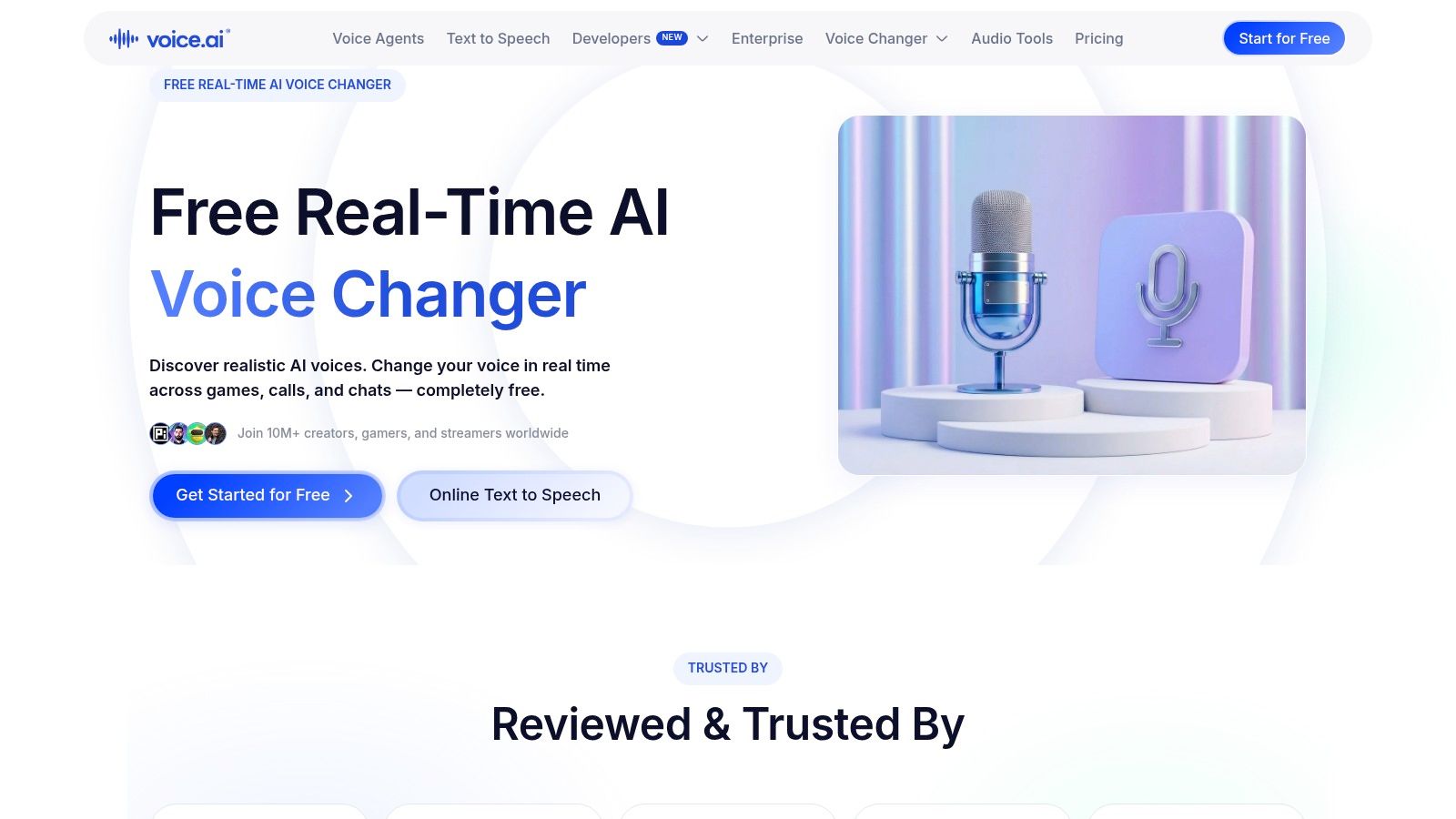
Voice.ai is the free-tier entry to live voice changing. For a Windows user who wants a different voice in a game or a call, it's a reasonable first stop: a wide library of voice filters and skins, a recording mode for short clips, and separate online tools on a subscription.
What works
Real-time changing for supported desktop apps, a catalog broad enough to find a character voice quickly, and a free route that lets you test the virtual microphone setup before paying. Configuration follows the same pattern as Voicemod, so skills transfer between them.
What doesn't
- Windows-first: the desktop app is Windows-focused, and the iOS experience is a thinner, different product.
- Free tier caps: conversion length and credit limits determine what you can finish.
- Character over fidelity: filters give you a persona. They won't pass as your own voice in a paid narration.
If you need a clean file rather than a live effect, skip this category and read the recording tools below.
6. HitPaw VoicePea
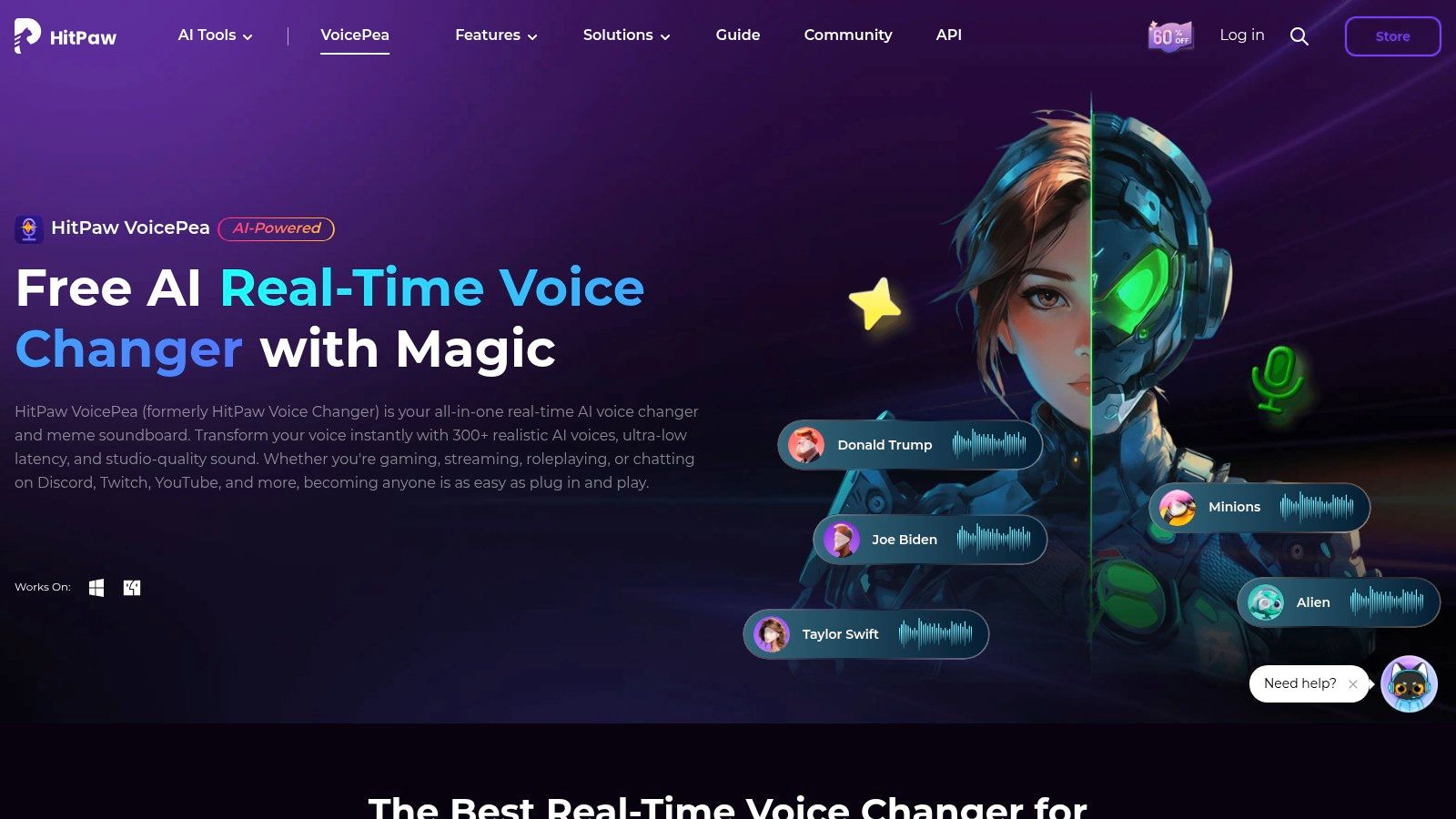
HitPaw VoicePea bundles two jobs that usually live in separate apps: live voice effects for streaming, and file-based conversion for audio and video. Add a soundboard, audio enhancement, text-to-speech and an AI cover-song feature, and you get a desktop toolkit for creators who'd rather have one tray icon than five subscriptions.
The realistic use cases
Streaming with a character voice, converting a clip without opening an editor, cleaning up a noisy microphone feed, and testing a song cover idea before you book studio time. License options include monthly, annual and perpetual plans, which matters if you're tired of recurring charges for occasional work.
The caveats
- Hardware gating: some features need compatible hardware. Read requirements before you buy a plan for one function.
- Plan complexity: add-ons make comparisons awkward, so price the exact features you need.
- Entertainment DNA: several voice and music functions are novelty-first. For voice acting that must hold up in a mix, audition against your own material first.
7. Kits.AI
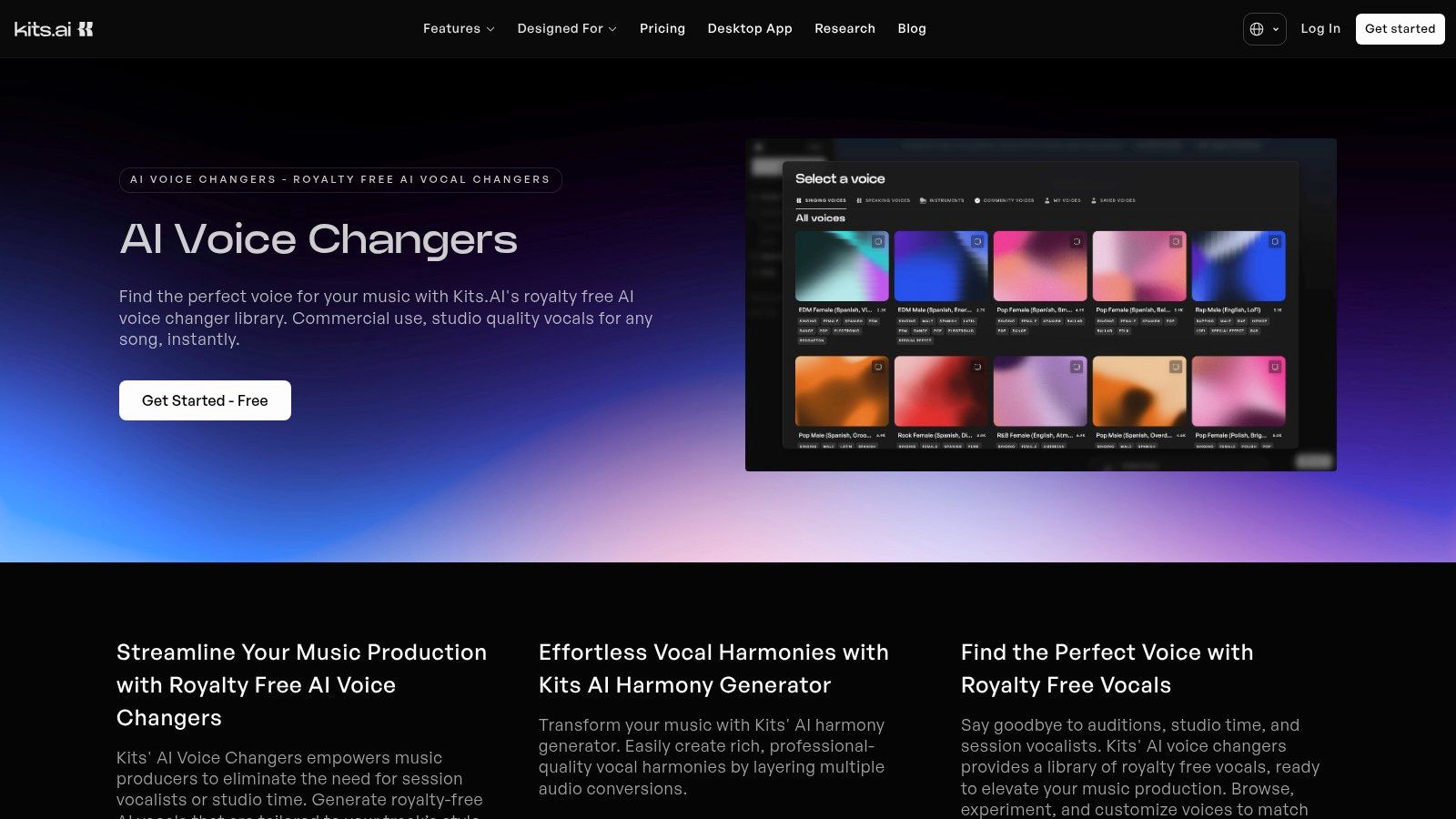
Kits.AI is built for the singer, not the streamer. You upload a recorded vocal and convert it to a voice model, with royalty-free options available and custom training if you want your own timbre across a catalog. Vocal isolation and other production tools sit alongside, and everything runs in a browser with file uploads.
Why musicians pick it
You can audition models on your own performance, which is the only honest test of a voice model: your phrasing, your tuning, your worst habit. For demos, covers and writing sessions where you need a specific vocal character before the session singer is booked, that's a fast loop. Custom training keeps a consistent vocal identity across releases, which is the wider shift reshaping how independent music gets made and sold.
The consent question most comparisons skip
A March 2025 Consumer Reports assessment found that 4 of 6 voice-cloning products could clone a voice from publicly available audio while requesting only a checkbox or similar promise of authorization, as summarized in voice-cloning fraud statistics. That's the line between a toy and a liability.
Rule for paid work: get written permission before you model a voice that isn't yours, archive the record, and check the commercial terms for that specific voice rather than the plan as a whole.
8. LALAL.AI Voice Changer
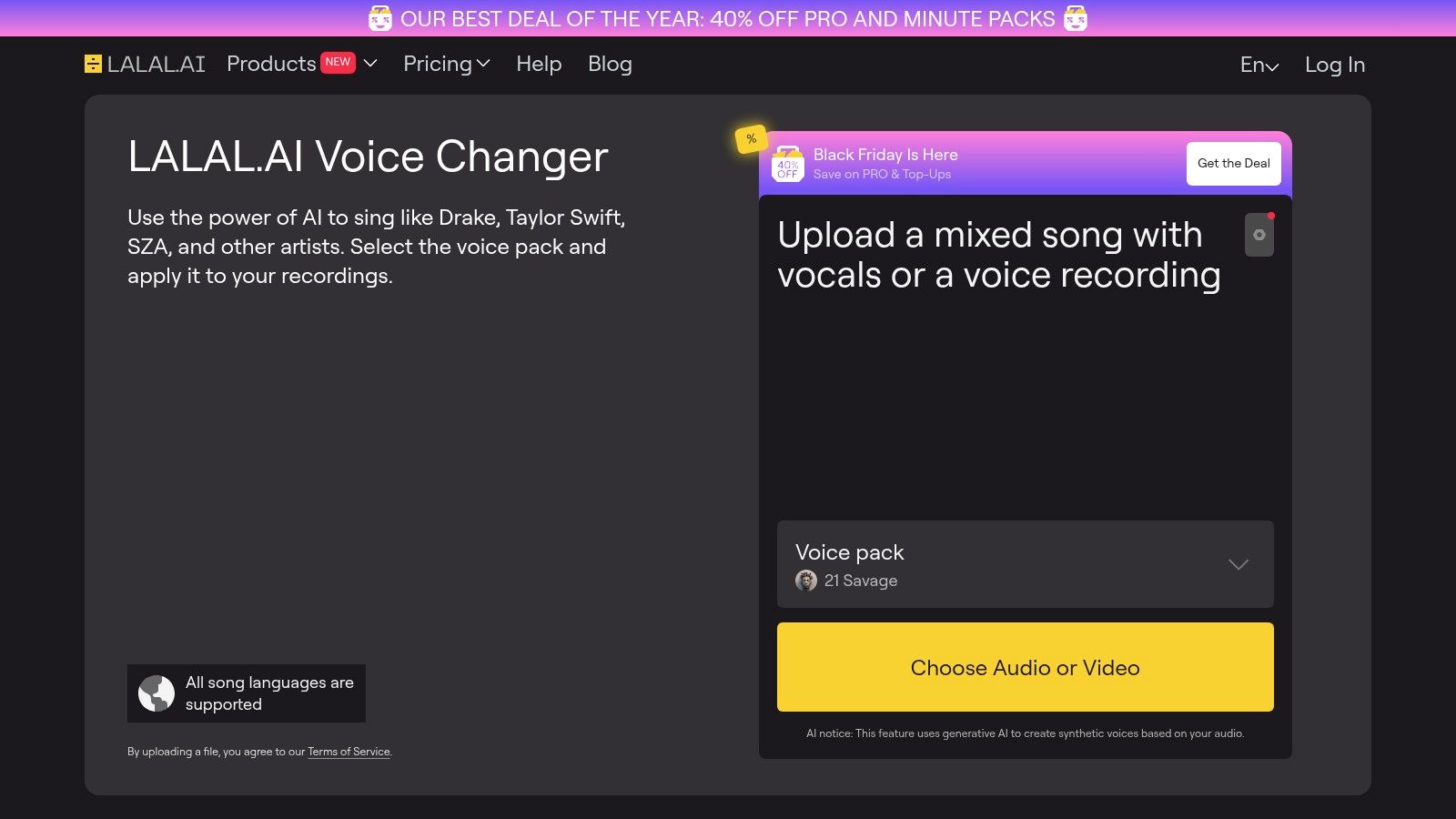
LALAL.AI's converter is a browser tab, not an install. Drop in an audio or video file, pick the target voice, preview the result, then commit. Batch workflows handle a folder of clips, and the same account reaches stem separation, which helps when you want the vocal soloed before conversion.
Best fit
Podcast cleanup passes, archive footage, and a stack of short-form clips that all need the same voice treatment. Because nothing gets installed and no virtual driver is involved, it also runs on a locked-down work laptop. Previewing before you buy is a genuine advantage when the client hasn't approved the direction.
Limits
- Not live: no real-time microphone chain at all.
- Free Starter caps: processing volume and file size are limited.
- Top-ups: sustained volume usually means a subscription or credit top-up.
- No performance direction: it changes identity, it doesn't rescue a flat read.
9. Murf AI Voice Changer
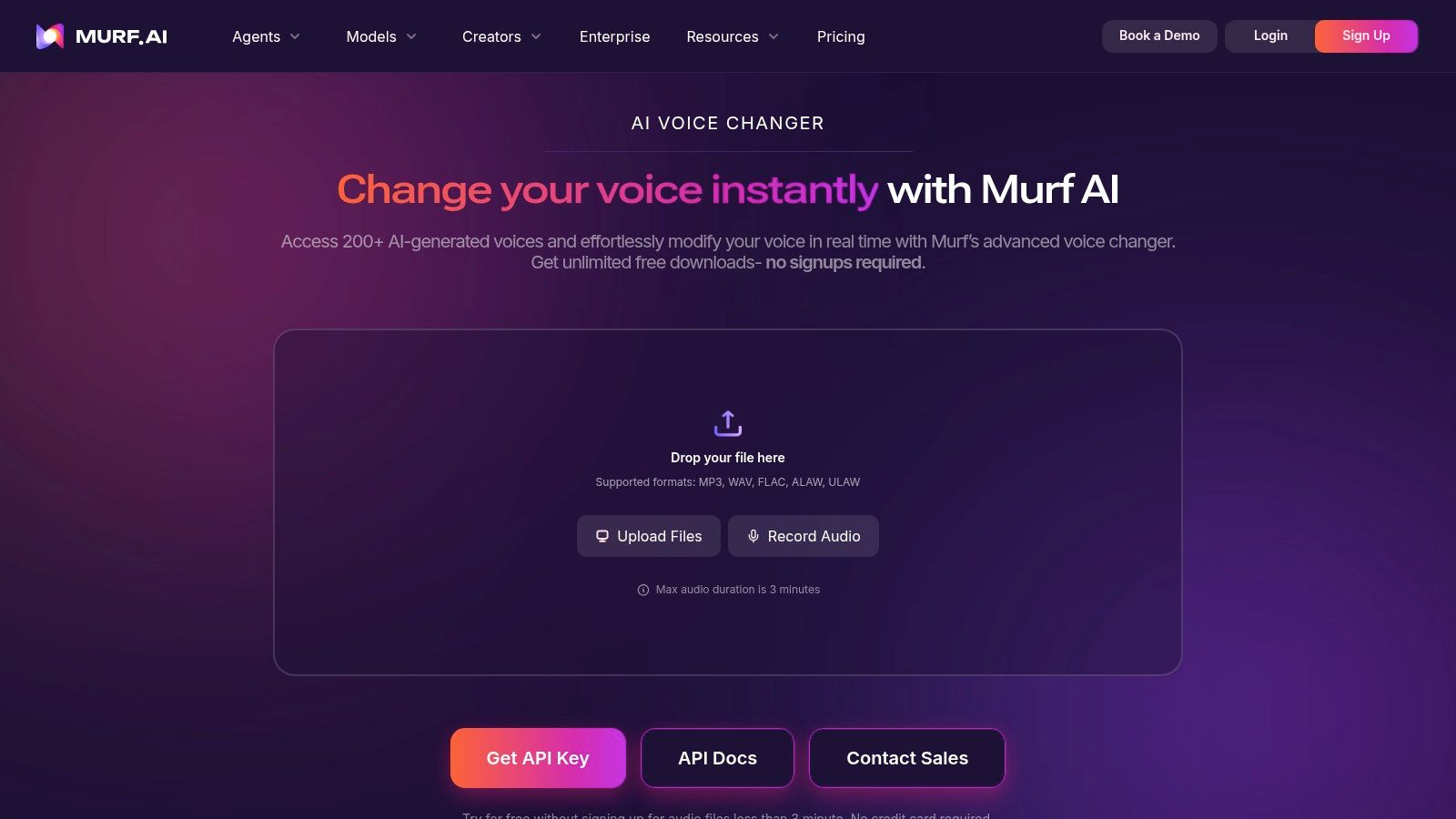
Murf's voice changer lives inside a voiceover studio, and that's the whole argument for it. If your team already writes scripts, selects voices and exports narration in Murf, converting a recorded performance becomes one more step in the same project instead of a new vendor and a new invoice.
Where it makes sense
Presentations, training modules, explainer videos and marketing spots, where a real person records the read and the voice changes afterwards. Business plans include commercial rights and collaboration features, which an agency needs before it puts a voice into a client deliverable. The API lists a per-minute Voice Changer rate, so you can price volume before committing.
What to watch
- You pay for the studio: plans price around voice generation and projects, not conversion alone.
- The free tier is a demo: no downloads and no commercial rights.
- Overkill for effects: for a goblin voice on a stream, this is the wrong product.
Disclosure is now part of the job
Marketing teams carry the most provenance risk. EU guidance summarized by the European Parliament research service points to disclosure and machine-readable marking requirements for deepfake content, and a converted spokesperson in an ad lands in that territory. Test whether a label survives export, MP3 compression and a social platform upload. If you're producing UGC-style spots at volume, our comparison checklist for AI voiceover in UGC video tools covers the delivery side.
10. FineVoice
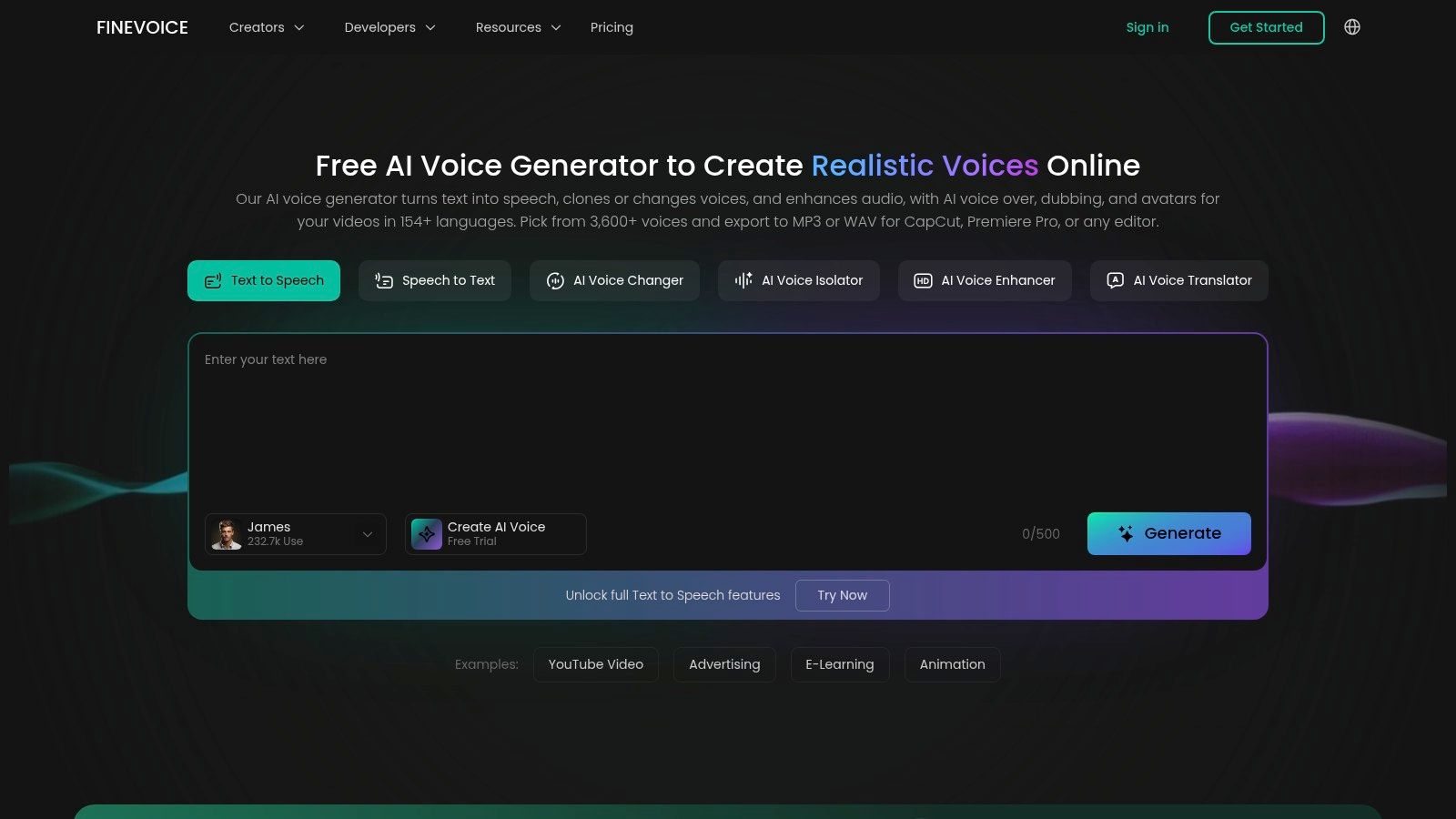
FineVoice is a browser toolkit rather than a single tool: voice changing, text-to-speech, cloning, enhancement, translation and speech-to-text under one account, with monthly allowances on each subscription tier. The appeal is administrative. One login, one invoice, several voice jobs done.
Where it's handy
A social team that needs a character voice for a short, a voiceover for a carousel, and a translated version of the same script inside one afternoon. Nothing here requires a GPU or a driver install, so a junior team member can produce usable output on day one.
The catch
- Quotas vary by feature: advertised unlimited allowances may cover only selected tools, so map your volume per feature.
- Specialists win on quality: a bundled converter is rarely the best vocal-conversion engine you can buy.
- Terms need checking: confirm commercial use and specific limits before publishing anything.
11. w-okada Voice Changer
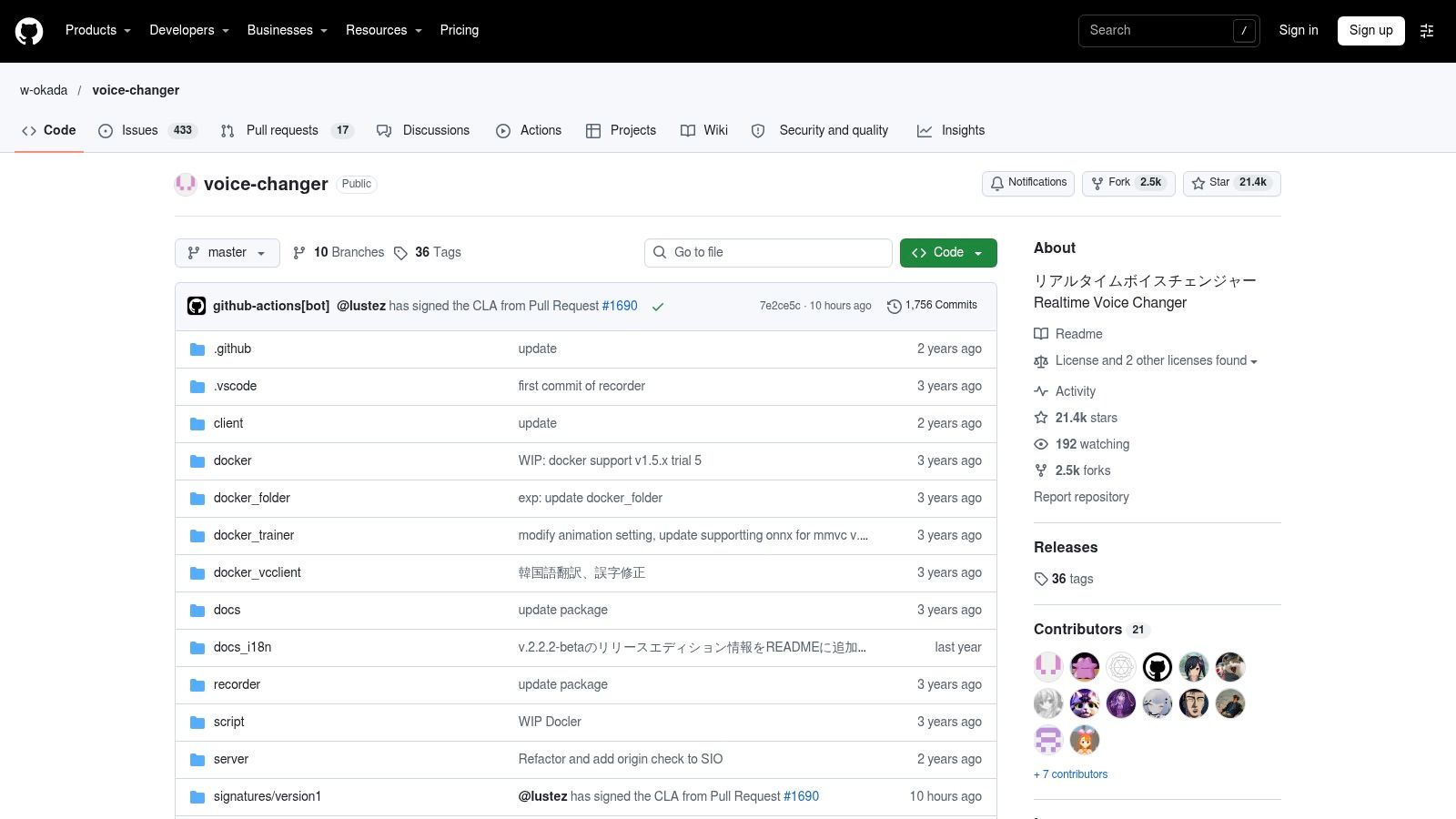
w-okada's voice changer is the open-source option for people who want control over the conversion setup. It supports real-time voice conversion, can run locally or against a server, and gives users access to model and configuration settings that most consumer voice changer apps keep closed. The project itself has no standard subscription fee.
Who should actually try it
This fits users who already work with local models and are comfortable setting up Python environments, audio drivers, and GPU-dependent workflows. The practical benefit is control. You can swap models, adjust configuration, and keep audio processing on your own machine instead of sending it through a hosted app.
That control also creates the main workload. Performance depends on your hardware, driver setup, and how well the model matches the source voice and target style. A weak GPU, wrong input device, or poorly chosen model can turn a promising setup into latency, artifacts, or unstable live output. Budget time for setup and testing before treating it as a production tool.
Licensing needs the same attention. Open-source access to the project does not make every loadable voice model commercially usable. Check the license for each model you use, along with any restrictions on the voice dataset behind it, before publishing converted audio.
How to judge the output
Independent evaluation of commercial voice changers is thin, and there is no standardized public leaderboard to rely on. Academic and independent tests usually score naturalness, intelligibility, and speaker similarity separately, because a conversion can sound smooth while failing on identity or clarity.
For a practical test, run the same 10 to 20 second samples across accents and speaking rates. Score naturalness and identity separately on a 1 to 5 scale, then record time-to-first-audio and dropout counts. That gives you a usable comparison for live chat, where latency matters, and recorded voiceover, where artifacts and identity drift matter more.
How the 10 AI voice changers compare by use case, access, and main limitation
| Item | Best For | Real-Time Use | Free Option | Main Limitation |
|---|---|---|---|---|
| Vocuno | AI music creation, vocal conversion, and distribution | Limited real-time use; focused on music production workflows | No standard subscription fee for the project itself | Not positioned primarily as a live voice-chat changer |
| Voicemod | Gamers, streamers, and voice-chat users | Yes, through a virtual microphone | Free access available | Better for live effects than polished voice production |
| ElevenLabs Voice Changer | Natural-sounding voiceovers and localized speech | Not suited to live chat | Free access may be limited | Conversions can use credits quickly |
| Altered Studio | Voice actors, video teams, and localization | Limited; focused on production workflows | Limited free voice morphing | Some desktop workflows require a capable NVIDIA GPU |
| Voice.ai | Windows users changing voices in games, calls, and chats | Yes, for supported desktop apps | Free access available with limits | Desktop use is Windows-focused |
| HitPaw VoicePea | Gamers and creators needing live effects and file conversion | Yes, for live apps | Free version available | Some features depend on compatible hardware |
| Kits.AI | Singers and music creators converting recorded vocals | No; focused on uploaded recordings | Free access and downloads may be limited | Not designed primarily for live voice chat |
| LALAL.AI Voice Changer | Processing existing audio and video recordings | No; browser-based file processing | Free Starter option available | Free use has processing and file-size limits |
| Murf AI Voice Changer | Presentations, training, and marketing voiceovers | No; converts recordings | Limited free plan | Free plan excludes downloads and commercial rights |
| FineVoice | Creators seeking a browser-based audio toolkit | Real-time use depends on the workflow and plan | Free tier with limited daily use | Usage quotas vary by feature and plan |
| w-okada Voice Changer | Technical users wanting open-source, configurable voice conversion | Yes, with local or server-based setup | Open-source project with no standard subscription fee | Setup and configuration can be difficult |
Read this table as a workflow filter, not a league table. A voice changer that works well inside a game chat can be the wrong tool for a narrated explainer, and a vocal conversion model built for singers is a poor fit for a weekly podcast. The practical split is simple: live chat, recorded voiceover, song vocals, and offline or file-based processing. Each group has different tolerance for latency, setup work, export quality, and recurring cost.
For live chat, Voicemod and Voice.ai sit closest to the job. Voicemod works through a virtual microphone, which makes it useful for games, stream chats, and call-style setups where the voice must be heard as it is spoken. Voice.ai follows the same practical path on supported Windows desktop apps. Both trade studio-grade control for immediacy. If the delivery needs nuanced acting, a consistent script read, or clean production dialogue, use a recorded workflow instead.
HitPaw VoicePea covers both live effects and file conversion, so it fits creators who move between chat and recorded content. Its limits are practical rather than abstract: some features depend on compatible hardware, so check your system before building it into a regular production chain. FineVoice is another browser-based option for creators who want an audio toolkit, but real-time use depends on the workflow and plan, and quotas vary by feature.
For recorded voiceover and localization, ElevenLabs Voice Changer and Murf AI Voice Changer serve different ends of the production process. ElevenLabs is the stronger match for natural-sounding voiceovers and localized speech, with the main cost trade-off being credit use during repeated conversions. Murf fits presentations, training, and marketing narration, where scripts are structured and the output needs to sit inside a polished business asset. Its limited free plan excludes downloads and commercial rights, which makes it unsuitable for paid work until the license fits the project.
Altered Studio also belongs in the production shortlist, especially for voice actors, video teams, and localization work. Its strength is workflow control, but some desktop processes need a capable NVIDIA GPU. That matters if you are standardizing a studio setup across several machines. Vocuno is more specialized: it is aimed at AI music creation, vocal conversion, and distribution, so it can support music-led work while remaining a weak choice for live voice chat.
For song vocals, Kits.AI is the clearest fit. It focuses on uploaded recordings, which suits singers and music creators who want to convert a recorded vocal rather than perform through a live effect chain. It has no standard live-chat role. Vocuno overlaps with this job where vocal conversion sits inside a music-production workflow, but its production-and-distribution focus makes it less direct for a single vocal pass.
For offline or file-based processing, LALAL.AI Voice Changer and w-okada Voice Changer solve different problems. LALAL.AI works on existing audio and video recordings through browser-based file processing. Its Free Starter option is useful for a small test, but processing and file-size limits shape how far that option can go. w-okada is the technical route: local or server-based setup, model and configuration control, and no standard subscription fee for the open-source project. The cost is setup time and configuration work.
A few entries sit between categories. ElevenLabs can handle localized speech well, but its credit use makes heavy retaking expensive. Murf can produce clean narration, but the free plan's download and commercial-rights restrictions decide whether the output is usable. Altered Studio offers production value, but hardware requirements decide where it can run. Vocuno offers music-specific conversion, but it should be judged as part of a music workflow, not as a general chat effect.
The fastest way to shortlist is to define the output first. Use live-chat tools when latency and microphone integration matter. Use recorded-voice tools when delivery, export, and licensing matter. Use vocal-conversion tools when the source is a sung performance. Use file-processing or open-source tools when batch work, privacy, or configuration control matter. That grouping prevents most wrong purchases before you compare feature lists.
Match the Tool to the Voice You Actually Need
Start by naming the output. A live voice for chat, a polished recording for narration, a converted vocal for a song, or a batch of files that need consistent treatment overnight. Four outputs, four shortlists, and almost no overlap between them.
Then test with your own audio. Free tiers exist almost everywhere, and twenty minutes with your own script exposes the things a demo reel hides: your accent, your industry jargon, the plosive you can't control. Record a sample that includes fast speech, a quiet passage and at least one word the tool will mispronounce.
Check the license before the quality. Cloning is cheap now and the abuse is measurable. A European Parliament research briefing reports that one in four adults had experienced, or knew someone who had experienced, an AI voice-cloning scam or voice-phishing incident, while 70% were unsure whether they could distinguish a cloned voice from a genuine one. If your audience can't tell the difference, your disclosure policy carries the weight.
Cost deserves the same scrutiny as quality. A credit-based tool punishes retakes, so a director who needs eleven versions of one line pays eleven times. A per-minute tool punishes length. Work out your realistic monthly volume, including the takes you'll throw away, before you compare list prices.
Buying rule: if a tool can't tell you what happens to your uploaded recordings, what its commercial terms are for the specific voice you picked, and how to report misuse, it isn't ready for client work.
The workflow, not the leaderboard, decides which of these you keep. A streamer can live with filter-grade realism if the latency holds. A dubbing team needs performance preservation and a paper trail. A songwriter needs a model that flatters a real vocal take. Pick the job first, then the tool.
If you'd rather audition speech models before you pay for another subscription, AI4Chat bundles speech generation alongside chat, image, video and music tools in one account. You get access to more than 100 models, credits for every model listed on the Pricing & Credits page, and text-to-music generation with optional vocals when a track needs a demo vocal fast. The bundle costs $40 per month against $400+ per month for paying separately for the individual tools on the pricing page, plans start free, and the Ultimate tier adds 500k credits with unlimited speech for $1 today, then $100 per month. Questions about which plan fits your volume go to support@ai4chat.co.