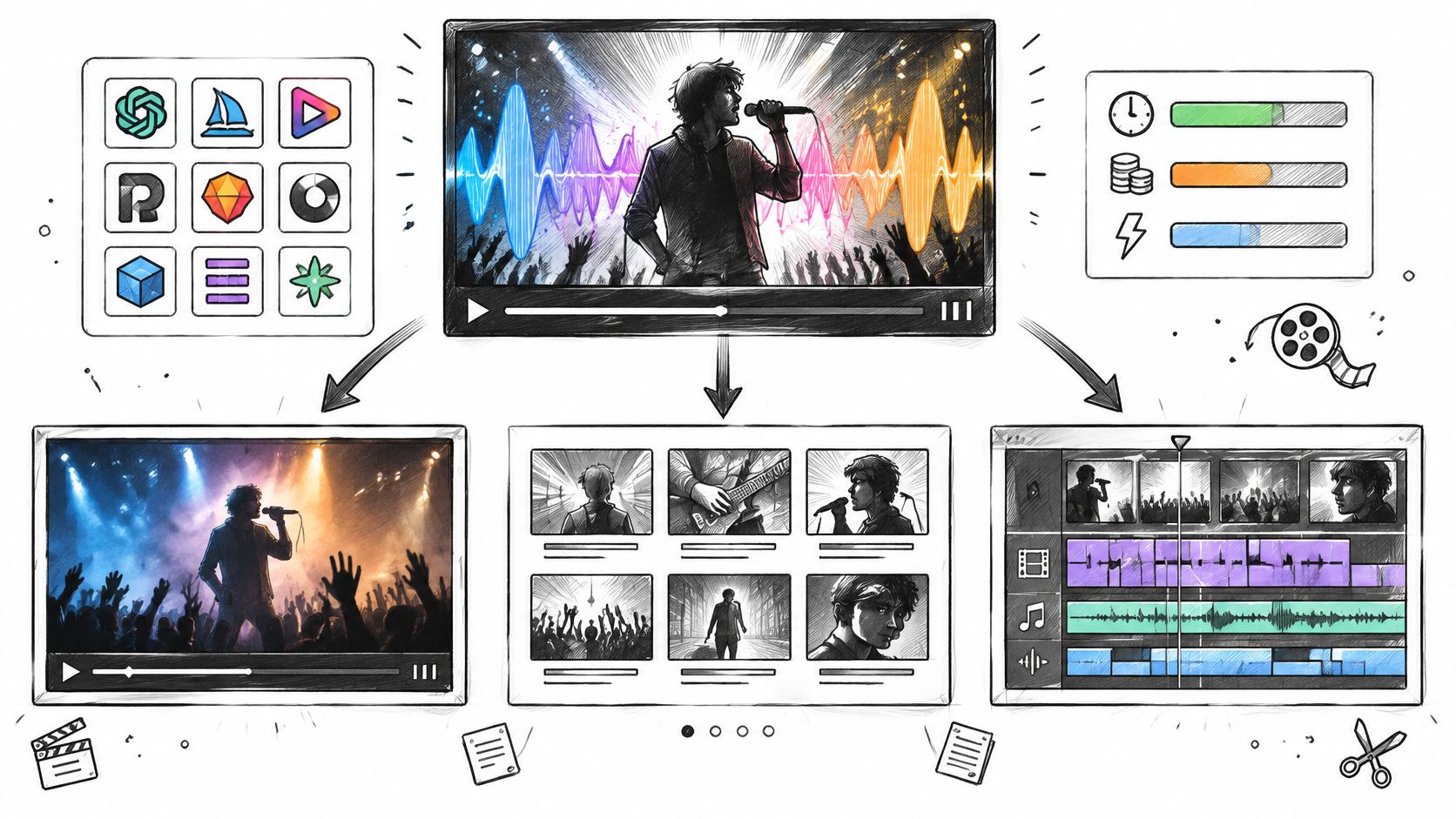
Search for the best AI music video generator and the advice is often to pick the tool with the most cinematic demo reel. That can leave you with polished clips but no workable way to finish the video. A better choice starts with the workflow: how much should the tool automate, and how much control do you need over individual shots?
Full-song automators take an audio file or a Suno link and return a finished, beat-synced cut. They are fast, but difficult to steer. Storyboard-first editors let you revise a plan and regenerate shots before rendering. Shot-level suites generate individual clips that you time and assemble in a separate editor. Each approach trades control for convenience in a different way.
A shot-level suite won't finish a four-minute video on its own. A one-click automator won't give you frame-level control over a specific chorus. Match the tool to the job before spending credits, and check how its watermark terms and trial-to-paid conversion affect the workflow.
Streaming platforms are seeing a growing share of AI-generated uploads, while creators still need visuals to promote those tracks. The tools below are listed in numbered order, with the practical limits of each noted.
Table of Contents
- 1. revid.ai
- 2. AI music generator
- 3. Freebeat
- 4. Neural Frames
- 5. Rotor Videos
- 6. Kaiber
- 7. Revid
- 8. Solmi
- 9. Plazmapunk
- 10. One More Shot AI
- 11. Runway
- AI Music Video Generators at a Glance
- How to Choose Before You Burn Credits
1. revid.ai
A release week does not wait on an edit bay. Revid.ai is built for creators who post constantly and cannot run a full production cycle on every clip. Point it at an idea, a blog post, a subreddit thread, or an existing link. It writes the script, generates the visuals, adds narration and captions, and formats the result for TikTok, Instagram, and YouTube.
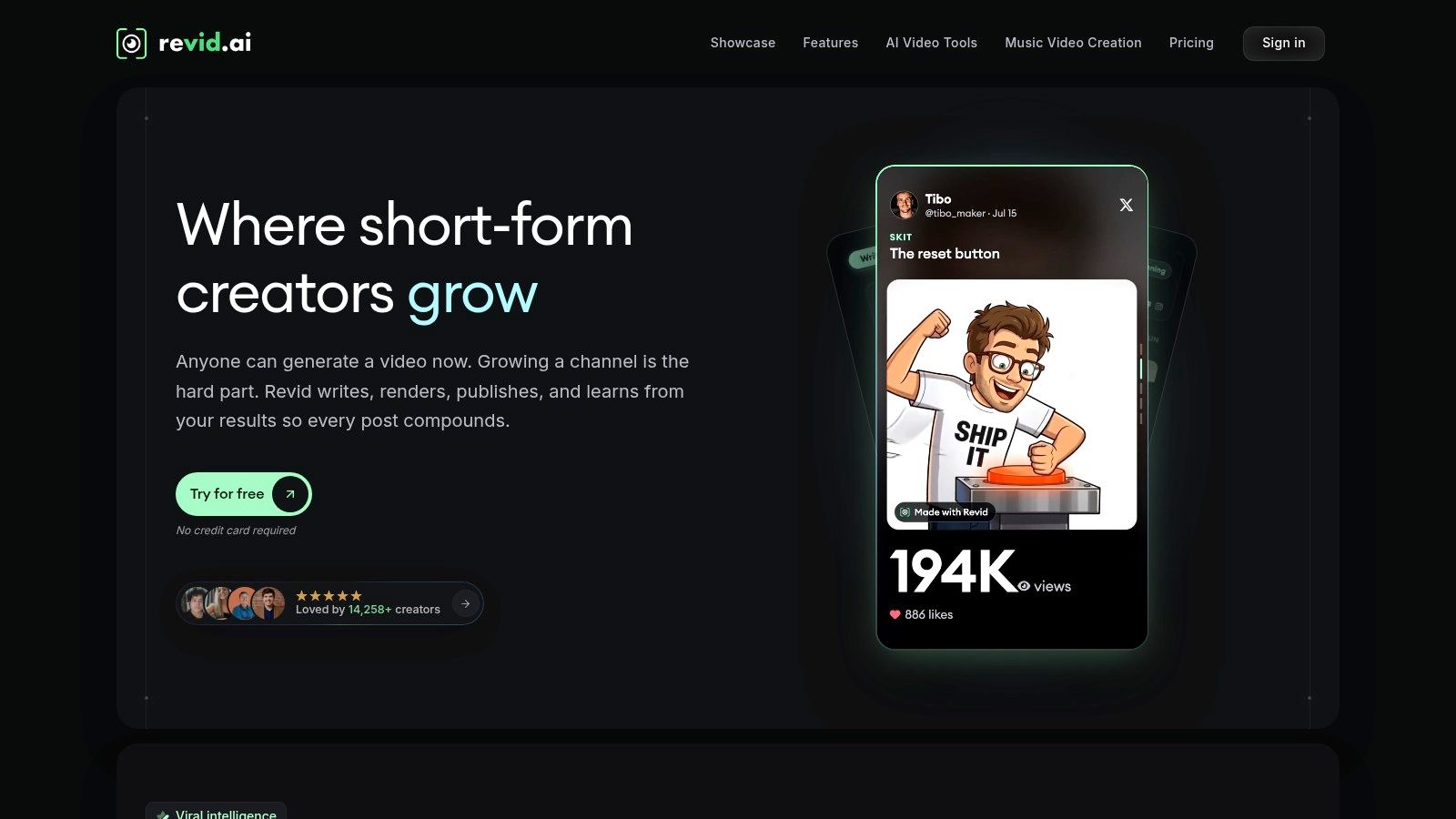
Place it with the full-song automators. The AI music video generator takes a track and returns a captioned, social-ready cut. One release still needs a lyric clip, three hook teasers, a behind-the-scenes cut, and a paid-ad version, all fighting for the same few days. Speed handles that pile. A one-pass cut will not let you lock a single frame in the chorus.
Where revid.ai earns its place
One idea becomes a post-ready vertical video without a script meeting. Links, documents, and rough notes all work as starting points, and aspect ratios plus captions are set for feeds by default. The part that saves a bad render is the editor underneath: swap a scene, rewrite a line, restyle the output. Regenerating the whole cut because one shot missed just redoes the shots that were already fine.
Creators already use generative tools to make assets and to finish posts they could not have made on a normal schedule. Fit still depends on how often you publish.
Practical rule: Match the tool to the publishing schedule you actually keep, not the one you plan to start. Four posts a week needs an assembler, not a director.
I would keep revid.ai on the weekly social cuts and move a hero video that needs shot-by-shot timing into a different tool.
2. AI music generator
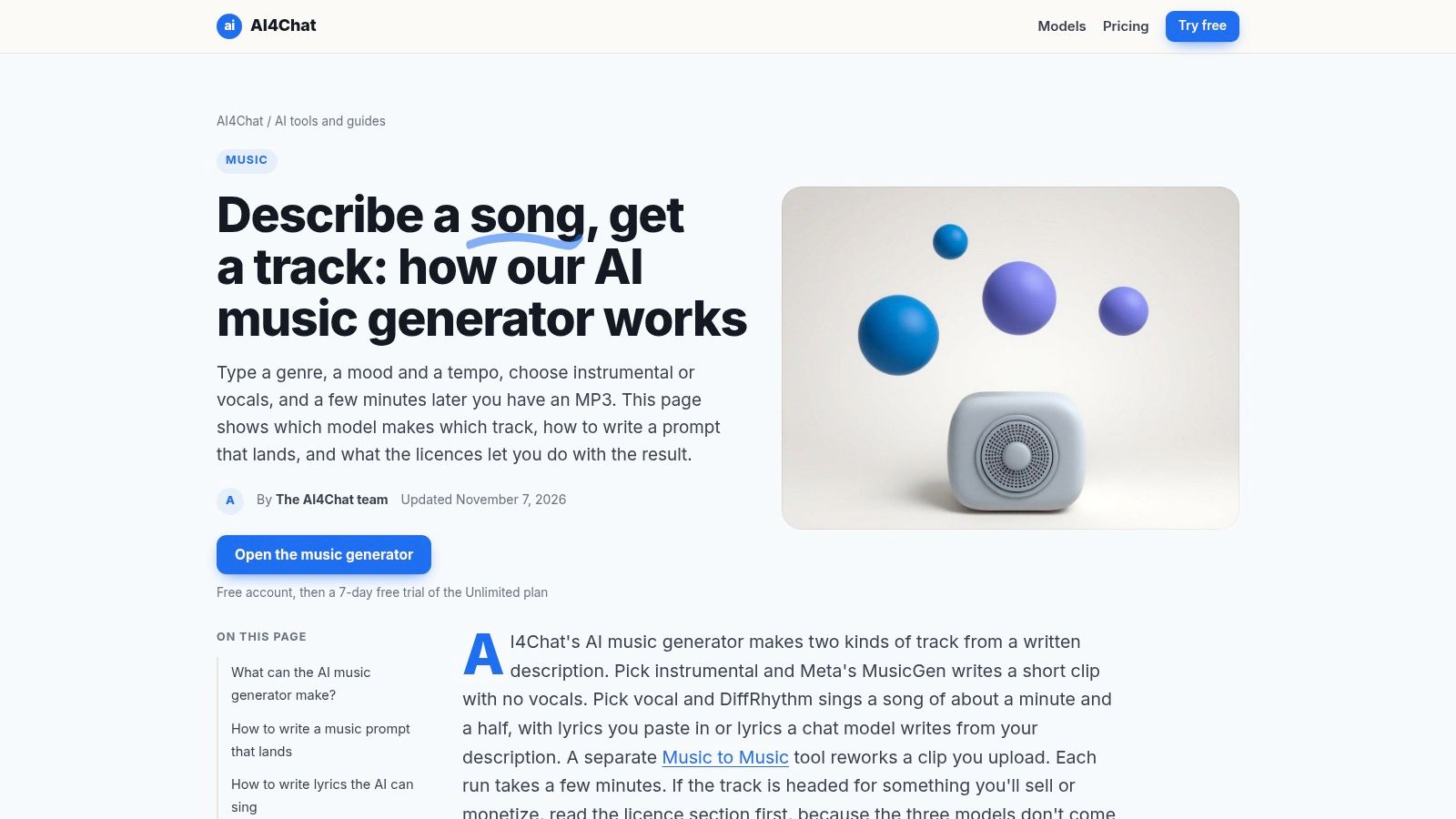
Visual tools burn credits on a picture that still has no song under it. AI4Chat's AI music generator sits in a browser workspace next to chat, image, and video tools, generates songs from a text prompt with Suno AI among its music models, and bills everything against one credit balance. Rank it as general-purpose audio: prompt in, track out. It is not full-song video automation, and it is not shot-level control over a cut.
A scratch bed is enough to storyboard before the mix engineer returns the master. A 15-second mood piece covers a teaser without licensing a beat. Generate the same idea three ways and you can hear which arrangement the chorus needs before anyone builds a lyric video around the wrong hook.
Adoption is split, which is why the caution is practical. A study commissioned by the collecting societies GEMA and Sacem and conducted by Goldmedia surveyed more than 15,000 musicians and publishers, finding that 35% had already used AI in their work, rising to 51% among respondents under age 35, while 71% feared AI could prevent music creators from earning a living, as reported by Music Ally's coverage of the GEMA and Sacem study.
Generation burns credits, so frequent experimentation pushes you onto a paid plan, and the product page doesn't spell out export formats, licensing terms, or advanced audio editing. I would read those plan terms before treating a prompt-written song as release audio. How AI is reshaping the digital music economy is the wider context for that choice.
3. Freebeat
Freebeat does one job without much editing. Upload a track or paste a supported music link, and it returns a music video, lyric video, dance video, or visualizer with visuals built around the song's structure. For an artist who wants a synchronized first draft without nudging every cut, that's the shortest path from master to upload.
The catch is the one every full-song tool shares. A recent review of AI music video generation research finds most generators remain shot-based, producing brief disconnected clips rather than multi-minute sequences, with recurring failure modes: inconsistent characters, incoherent scene progression, off-beat dancing, unreadable text, and lip-sync mismatch. That same work finds separating vocals from the accompaniment materially improves lip-sync accuracy, which makes stem handling a buying criterion rather than a nice-to-have.
What to check before you buy:
- Format range: Music video, lyric video, dance video, and visualizer in one service.
- Beat analysis: The tool reads structure rather than just BPM.
- Input options: Track uploads and supported music links.
- Cost curve: Credit use makes long videos and revision passes hard to price in advance.
- Plan terms: Resolution, watermark, and commercial-use rules vary by tier.
If you're still writing the song itself, this guide to AI songwriting tools covers the lyric side before you get to visuals.
4. Neural Frames
Neural Frames sits between the automators and the shot-level suites, and that position is the whole point. Autopilot builds a full music video from a track, then the editing layer lets you change scenes, prompts, and timing frame by frame. Stem extraction and audio-reactive effects mean visuals can respond to one element, a kick pattern or a vocal line, instead of the overall loudness.
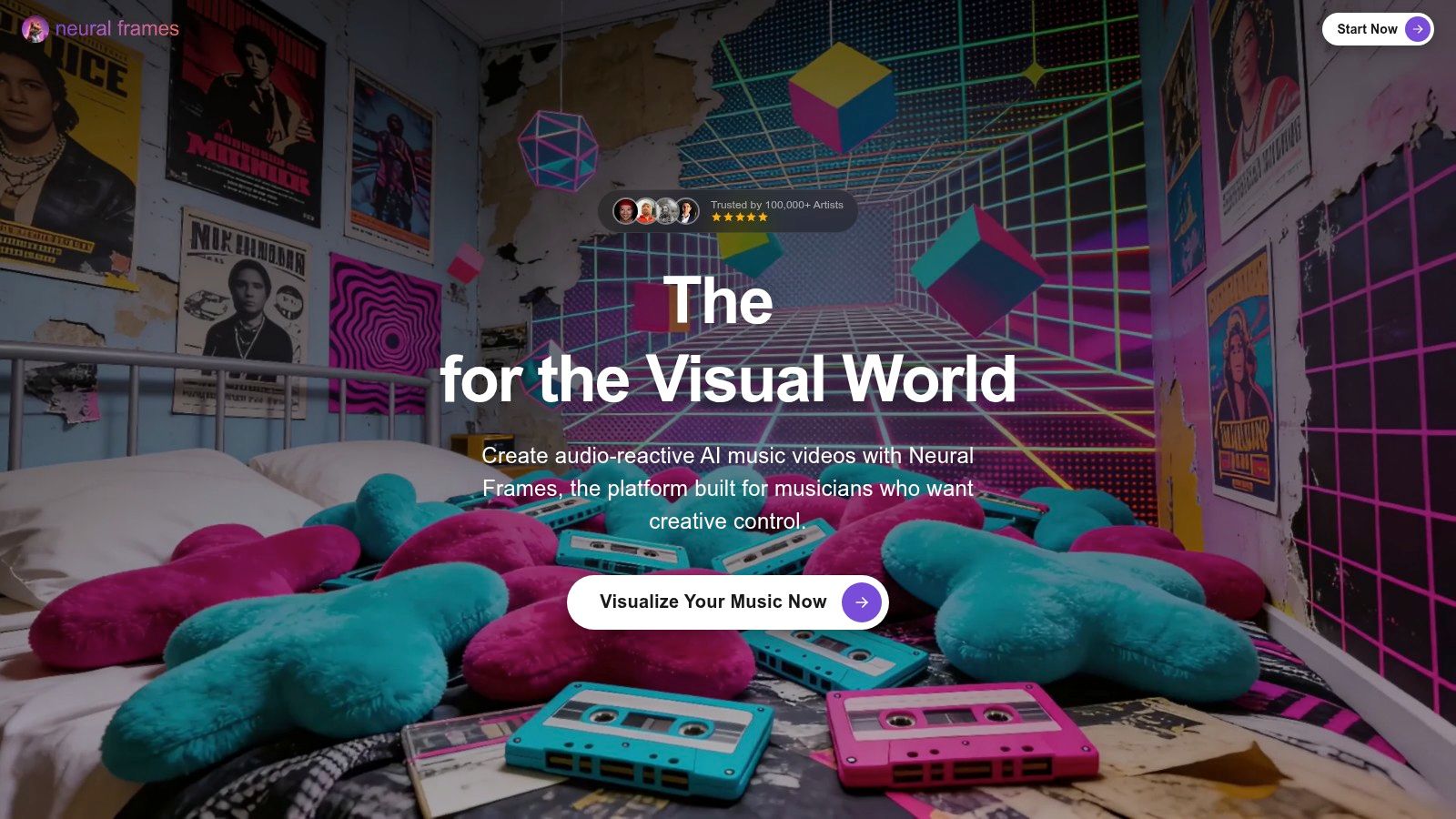
You get several video models, with 1080p or 4K upscaling depending on plan, plus monthly credits with rollover terms listed publicly.
Cost check: Run the Autopilot cost calculator on the pricing page with your actual track length before you pick a tier. Credit burn scales with duration and model, so a plan that looks generous on a 30-second test can vanish on a four-minute master.
The trade-off is time. Manual editing is slower than one click, and the higher-resolution features sit behind higher tiers. For audio-reactive visualizers where the visual is the hook, that trade is usually worth it. For narrative storytelling, it isn't.
5. Rotor Videos
For working musicians with a release calendar, Rotor is the least glamorous and most practical option here. It analyzes your track and the footage you select, then assembles a timed cut. It also outputs lyric videos, artwork videos, and Spotify Canvas assets, which is close to a complete checklist for a single campaign.

Previews are free and downloads are paid, which changes how you work: build three edits, watch them side by side, and only spend when one is right.
Where it fits and where it doesn't:
- Campaign assets: Lyric videos and Canvas clips ship faster than any generative route.
- Footage you already own: It times material rather than inventing a world.
- Buying model: Standalone purchases and annual plans, with commercial use and watermark-free exports listed on the Rotor Videos pricing page.
- Limit to know: Annual unlimited subscriptions are tied to one artist, and individual downloads use credits that vary by video type.
Expect assembly and timing, not a cinematic original. For a lyric video due Friday, that's exactly the right deal.
6. Kaiber
Kaiber is the shot-level, stylized workflow. Music Video Sequence reads the audio, then builds the video from a prompt, a reference image, or a visual style you already like. Beat Sync and a timeline editor let you move clips and fix transitions after the first generation, so you are not locked into a single export.
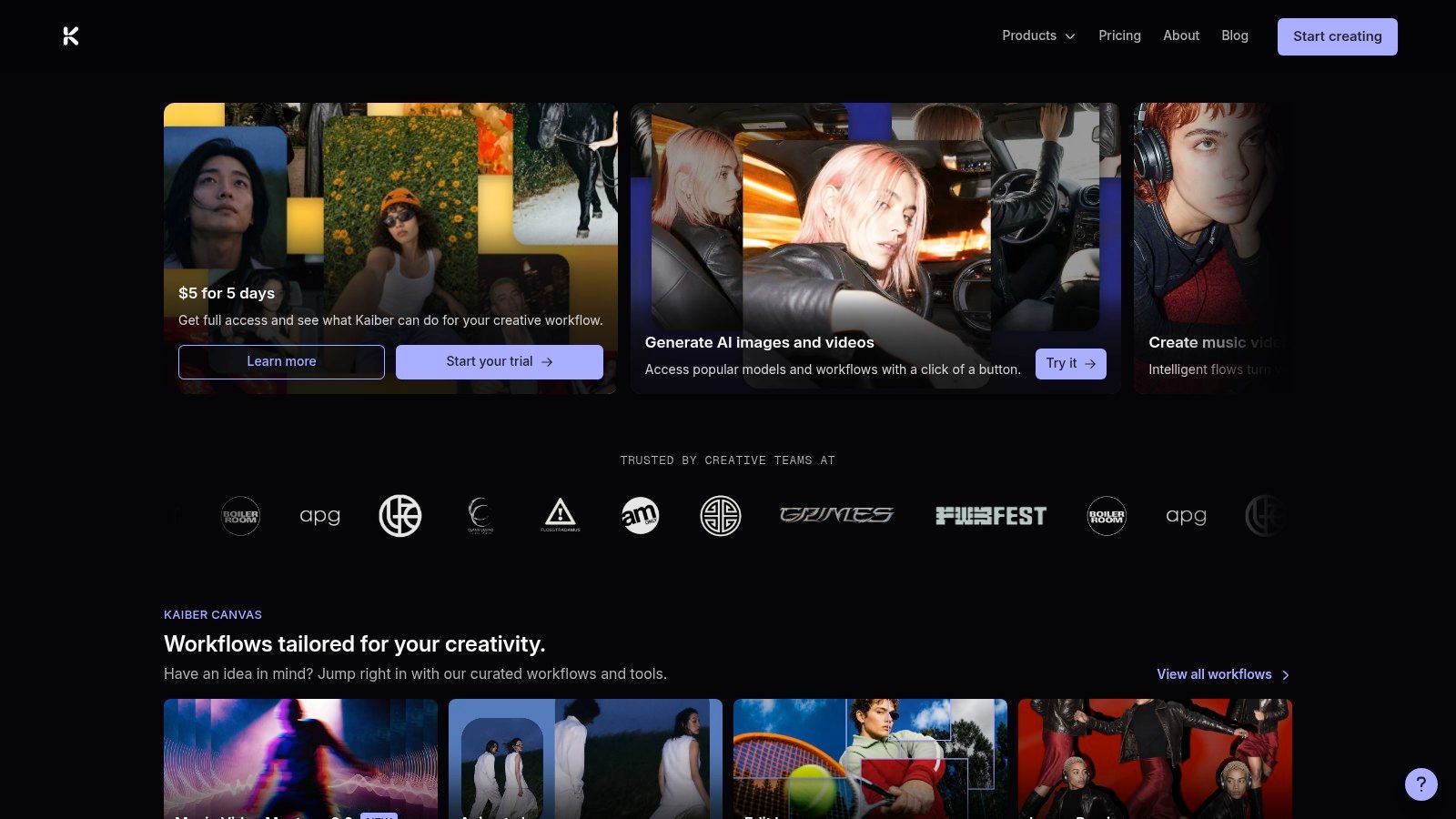
Generate, Reference, and Restyle cover the usual starting points. The tool runs in a browser on desktop and mobile. Paid plans include commercial-use rights, according to Kaiber's plan information.
Read the trial and renewal terms before you enter a card. Trials often roll into recurring monthly billing, and a short test can turn into a charge you did not budget.
Credits cap how many revisions you get. The look is atmosphere-first, which suits EDM, ambient, and tracks that live on mood. I would not spend those credits on a performance video that needs a singer's face in frame.
7. Revid
Revid appears twice in this list on purpose. Where the social builder above starts from an idea, this entry starts from audio: upload an MP3 or WAV, or paste a Suno link, and it times scene changes and captions to beats or lyrics. Optional singer lip-sync and scene-level revision make it the more controlled of the two entry points.
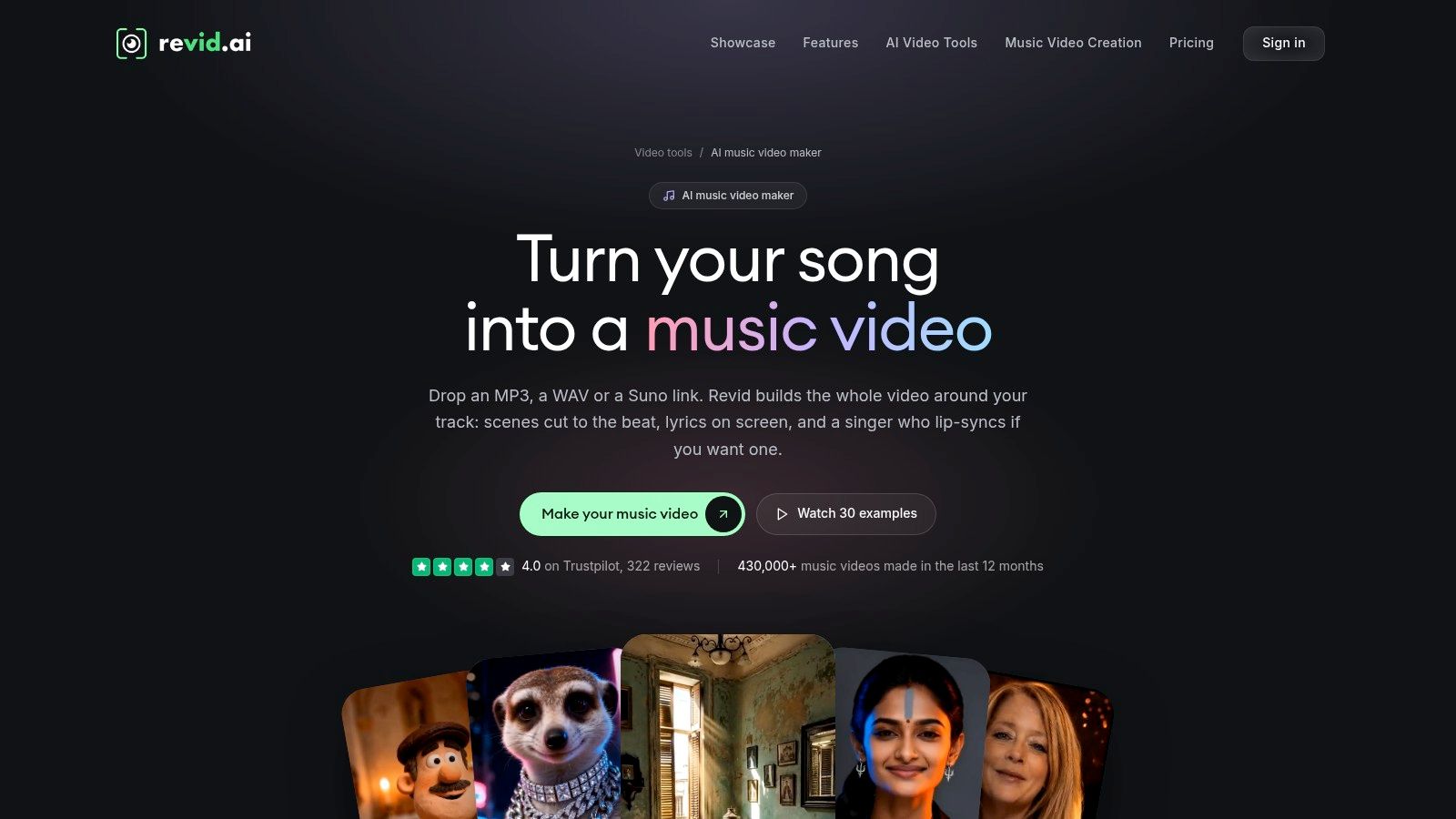
Long tracks are where credits disappear. Full AI-video generation across four minutes costs multiples of a 30-second hook clip, and regenerating a scene you dislike costs again. Budget two or three passes on the chorus, because that's the section both audiences and platform algorithms look at.
Set expectations like this:
- Scope: Handles both full-song videos and short cuts from the Revid AI music video maker.
- Control: Timeline editing, scene swapping, social aspect ratios, exports listed up to 4K.
- Entry cost: Free sign-up credits let you test the workflow properly.
- Ongoing cost: Regular production needs paid access, and full generation drains credits fast.
- Wrong pick if: You want deep audio-reactive control. That's Neural Frames territory.
8. Solmi
Solmi's differentiator is that it shows you the plan before it renders the video. It analyzes tempo, key, song sections, and lyrics, then produces a storyboard you can review and regenerate shot by shot. Formats cover narrative scenes, singing performances with lip-sync, and lyric videos, in vertical or widescreen formats with optional captions.
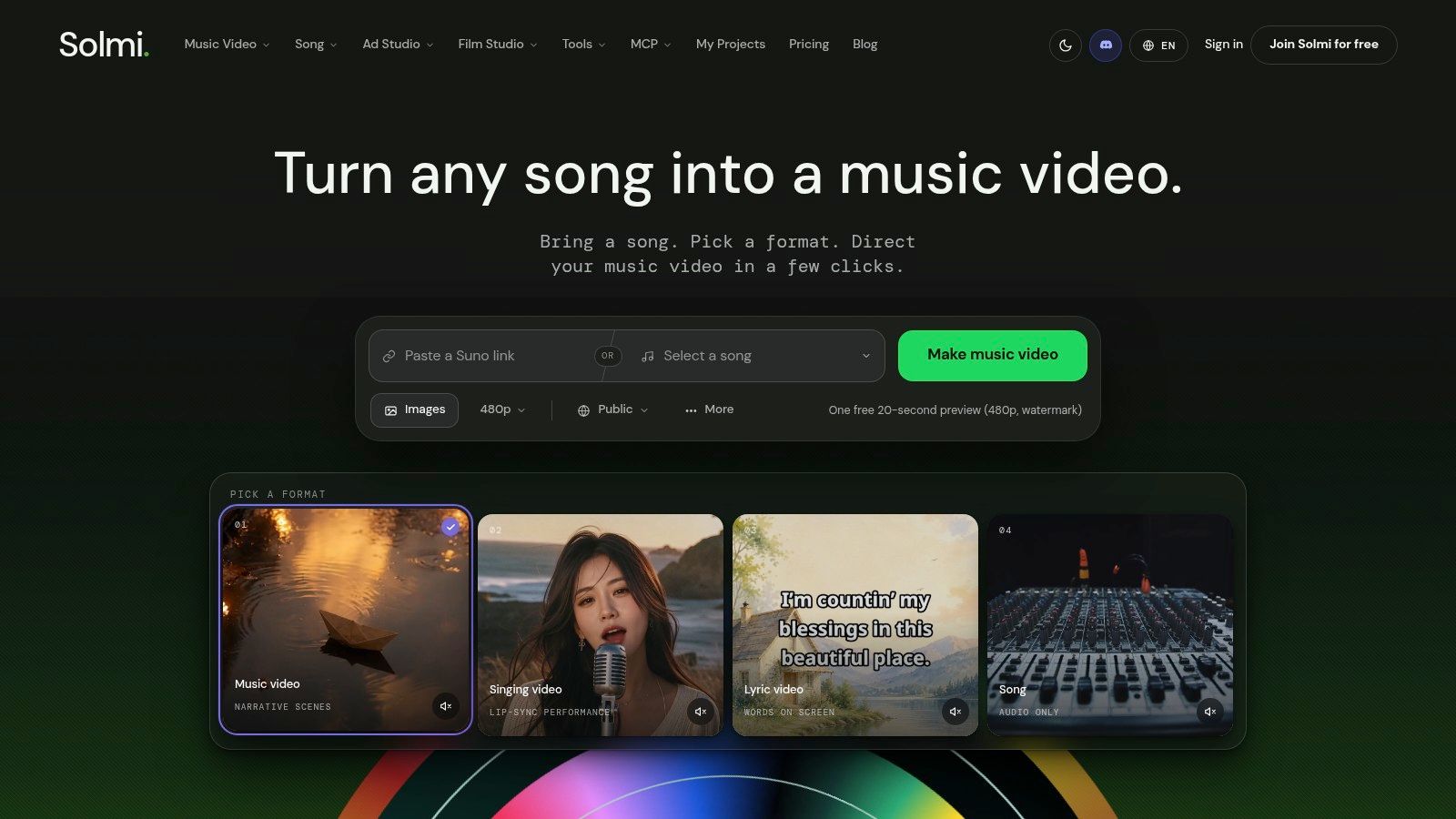
Reviewing a storyboard is far cheaper than reviewing a render. It's the one stage where a wrong creative decision costs seconds instead of credits, and it's why storyboard-first tools suit anyone who has opinions about their own song.
The honest limits: The free preview is short, low-resolution, and watermarked. Full-length, watermark-free exports require credits or a paid plan, and generated storyboards still need a human read before you render. Available on Solmi's website and through its iOS and Android apps.
9. Plazmapunk
Plazmapunk is built around scene planning. The AI Story Director drafts a storyboard from a song, and the scene editor generates and arranges individual shots. The product page describes full-song support, audio-reactive synchronization, several aspect ratios, and a choice of video models.
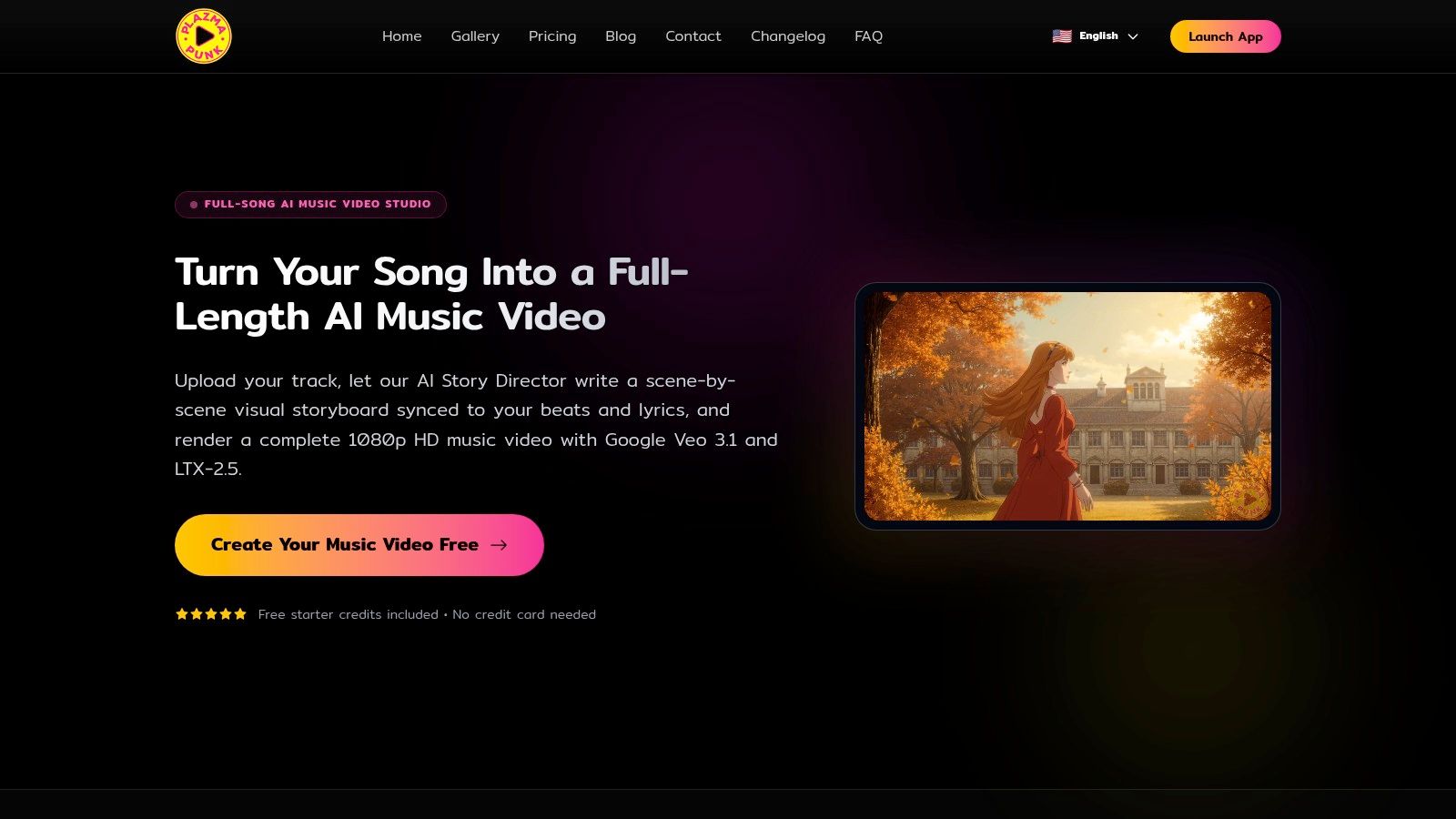
Free starter credits with no card required make this the lowest-friction way to learn whether scene-by-scene planning suits how you work. It doesn't suit everyone. Plenty of creators want to approve one cut, not direct twelve.
What you're signing up for:
- Planning layer: Beat and lyric aware storyboards according to the product page.
- Format range: Horizontal, vertical, and square output, plus quick-video and short-loop workflows.
- Control level: Direct scene control across a full-length video.
- Watch the ceiling: Free credits likely won't cover a finished full-length export, and model availability depends on your current Plazmapunk plan.
10. One More Shot AI
Put this one in the full-song automation bucket, not the shot-level control bucket. One More Shot generates a complete video from a song and a visual prompt, and the One More Shot web app advertises full-length videos up to seven minutes. You can feed artist photos so the same person stays recognizable from scene to scene. General-purpose clip tools leave that continuity to you.
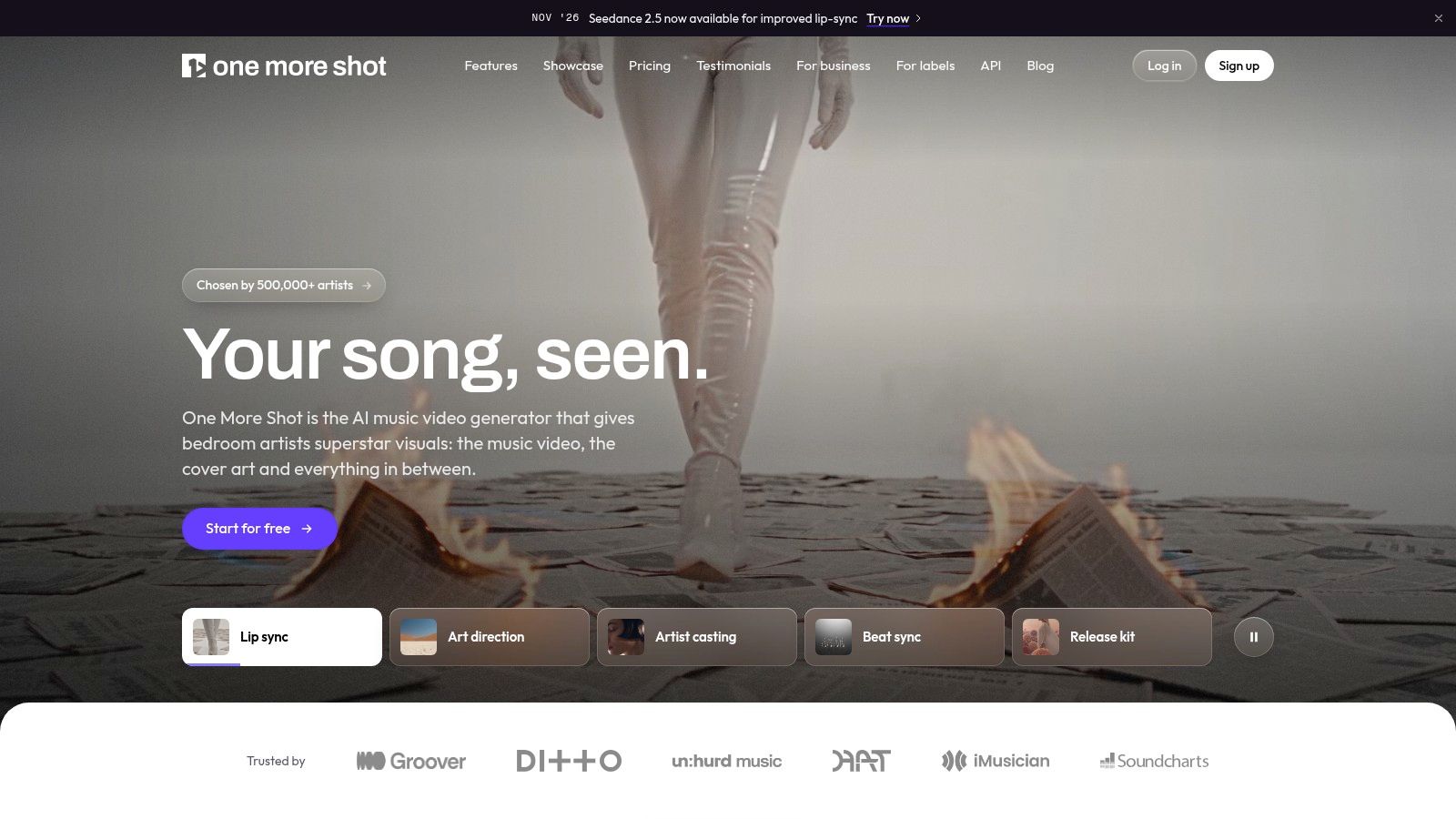
Use it when the release is performance-led and you are the through-line. Skip it when you need to art-direct every shot. A higher plan does not add that control.
The product is hands-off on purpose: minimal manual editing, and less say over individual cuts. A long export can force extra credit or token purchases, so price a full-length run before you buy the allowance. Independent feedback is thinner than on established platforms. I would run a 60-second excerpt first and judge whether the face holds. Spotify Canvas assets and mobile access come with the web app, useful side output once consistency is proven, not a reason to skip that test.
11. Runway
Runway is a filmmaking platform that happens to be useful for music videos, and that's the honest framing. It generates individual shots from text, images, or video references, and some models accept audio references. What it doesn't do is analyze your song and hand you a timed sequence. You plan the changes, generate clips, and cut them to the track yourself.
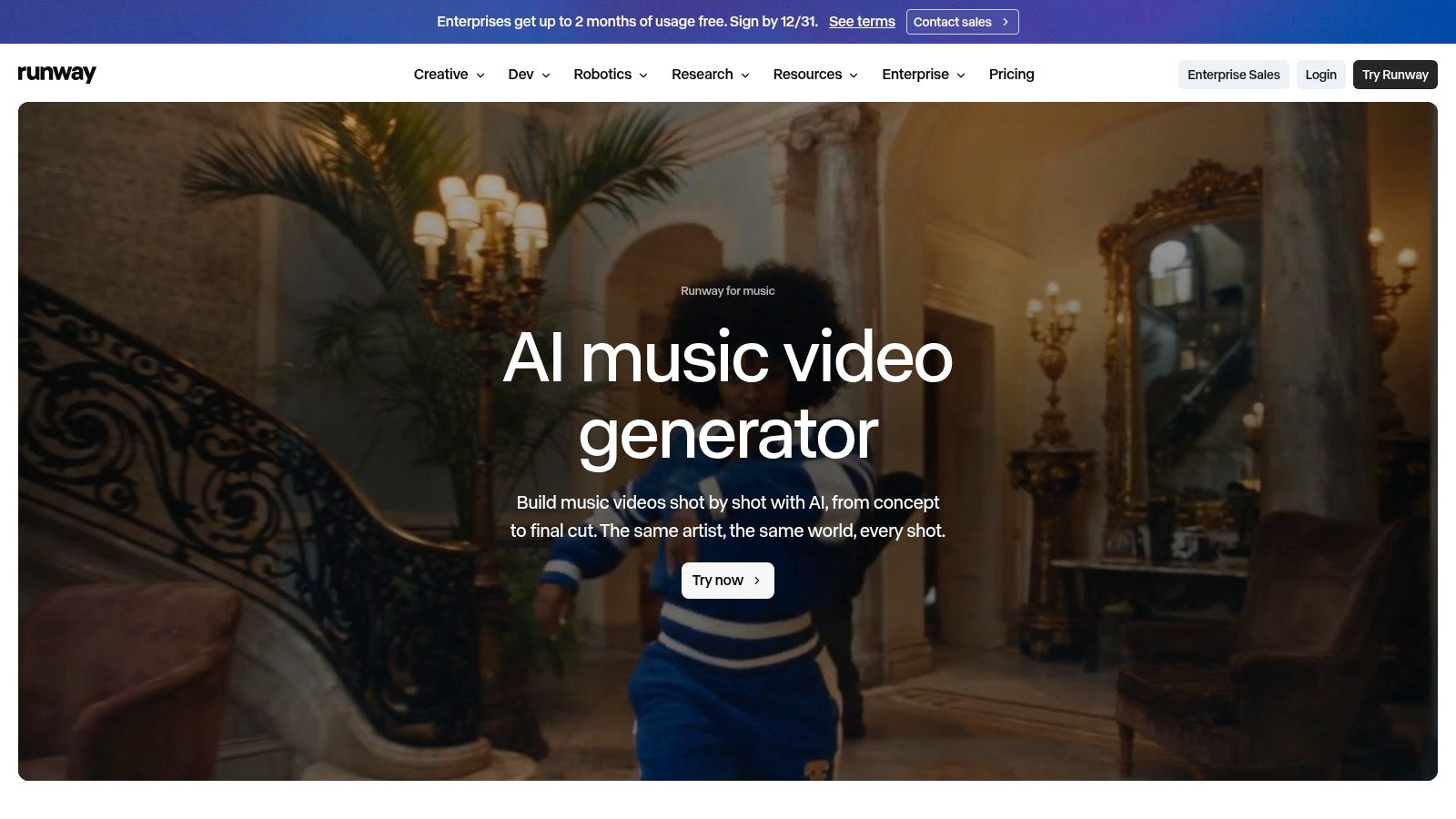
That manual work is where the best results come from. In the MIT AI Film Hack dataset summarized by Luma's AI filmmaking statistics, 100% of participating filmmakers used AI-generated video in 2025, up from 87.5% in 2023, while 54.2% used AI-generated music or sound effects in 2025, up from 12.5% in 2023. Treat that as an expert-practice signal from an AI-forward cohort, not a market average.
Run the test before you commit:
- Character hold: Does the same face survive two consecutive shots?
- Reference fidelity: Does an image prompt stay on model across generations?
- Credit math: How many generations does one usable five-second clip take?
- Free tier: A one-time credit allowance, with monthly credits on paid plans, per the Runway music video use case.
If you're repurposing the same footage across formats, this guide to AI platforms for UGC and brand videos covers the repackaging step.
AI Music Video Generators at a Glance
These tools differ most in how much of the finished video they automate. Full-song generators build around a track; shot-level tools give you more control but leave assembly and timing to you. General-purpose platforms can create individual visuals, with more editing work between generation and a finished music video.
| Tool | Best For | Workflow Style | Free Entry Point |
|---|---|---|---|
| revid.ai | Turning ideas and existing content into social videos | Generate scripts and videos from prompts or content links, then edit | Free sign-up credits |
| AI music generator | Creating or exploring songs and instrumentals | Generate tracks from prompts or transform uploaded audio in a browser workspace | Free access |
| Freebeat | Quickly making music videos, lyric videos, dance videos, or visualizers | Upload a track or provide a supported link; AI analyzes the music and creates visuals | Free credits |
| Neural Frames | Music videos with audio-reactive effects and detailed control | Generate automatically, then refine scenes, prompts, and timing | Free access |
| Rotor Videos | Music-release videos and promotional assets | Analyze a track and footage to assemble edits, with previews before download | Free previews |
| Kaiber | Stylized, audio-led music videos with editing flexibility | Start from audio, an image, or a visual style; refine with Beat Sync and a timeline | Five-day trial |
| Revid | Music videos with beat or lyric timing and scene revisions | Upload audio or use a supported link, then edit scenes and captions | Free sign-up credits |
| Solmi | Storyboarded narrative, performance, or lyric videos | Analyze a song, review the storyboard, and regenerate shots | Short, low-resolution, watermarked preview |
| Plazmapunk | Full-song videos with scene-by-scene control | Draft a storyboard, generate and arrange individual scenes | Starter credits without a credit card |
| One More Shot AI | Full-length song videos with consistent artist imagery | Combine a song and visual prompt for mostly automated generation | Free access |
| Runway | Generating individual cinematic or experimental shots | Create clips from text, images, or video, then assemble and sync them separately | One-time free credit allowance |
How to Choose Before You Burn Credits
Start with the category, not the demo. A finished master and a release date point to a full-song automator. A concept you're directing points to storyboard review or shot-level control. A content calendar points to speed and format coverage. Buying across all three without deciding which one you need is how people end up with four subscriptions and one usable video.
Then test properly, with free credits, on a track you've already released. Thirty to sixty seconds is enough to learn whether the tool holds a character, whether captions land on the beat, and how many credits a usable shot costs. Watch for the specific levers that define your budget: does the free tier watermark the export, does the trial auto-convert to a monthly plan, and does the top resolution sit two tiers above the one you were quoted.
Rights deserve the same attention as aesthetics. A 2025 survey of 3,000 professional creators in the United States and United Kingdom found 93% report confidence about music licensing, per Epidemic Sound's creator economy report. Confidence is not the same as clearance. Read the commercial-use terms for your specific tier, keep a record of model, prompt, source audio, and revision history, and label generated material where a platform asks you to.
Audiences are watching for that label too. An Ipsos survey of 9,000 people across eight countries, cited in the same report, found 73% supported disclosure when AI-generated tracks are recommended and 40% said they would skip AI-generated songs entirely. Disclosure isn't a formality you can defer.
Budget for the work after the render
- Assume two to three revision passes on the chorus, and price them in credits before you start.
- Separate stems before you render if the tool supports it. Vocals and accompaniment drive different visual decisions, and separation improves lip-sync results.
- Keep one human edit in the chain for pacing, titles, and anything the model renders as unreadable text.
- Export cleanly to a conventional editor so the final trim isn't hostage to the generator's timeline.
For the drafting phase, where you're testing a visual direction against a scratch track rather than a finished master, unified platforms such as AI4Chat put music generation and video generation under one credit balance, which beats paying for two subscriptions to answer one question.
Ship one track first
Pick one tool per workflow stage, and don't spread a single release across four platforms to see which one wins. Take the track you know best, run it through one automator and one storyboard tool, and compare the two finished cuts against the same chorus. The tool that needs the fewest rescues on that one song is the one worth a subscription. Scale to a full campaign only after a single video has shipped and survived a week in the feed.